

Forms
A resource’s fields become its create and edit forms. Your validators check every save, so the form never accepts what your API would refuse.
Sections
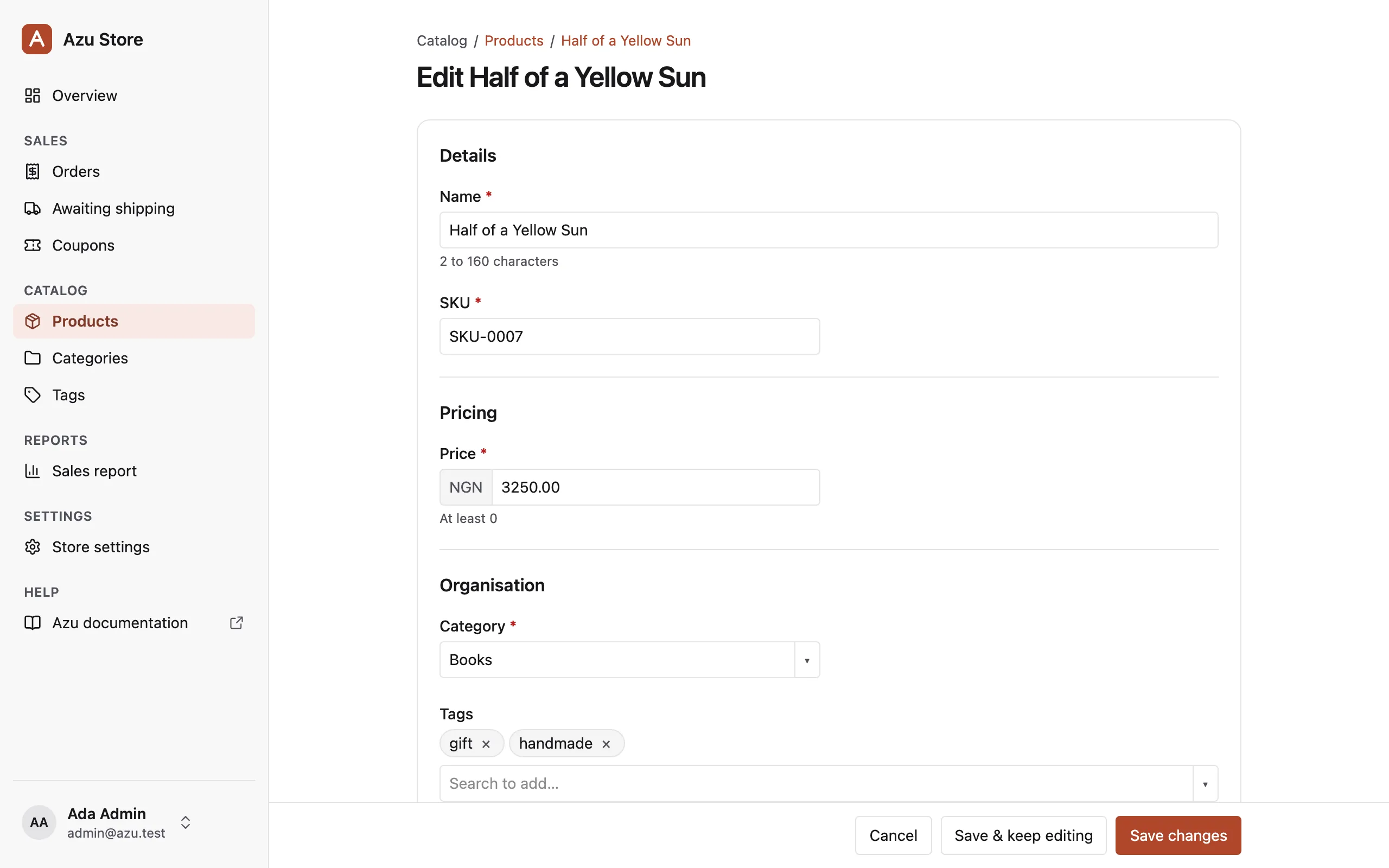
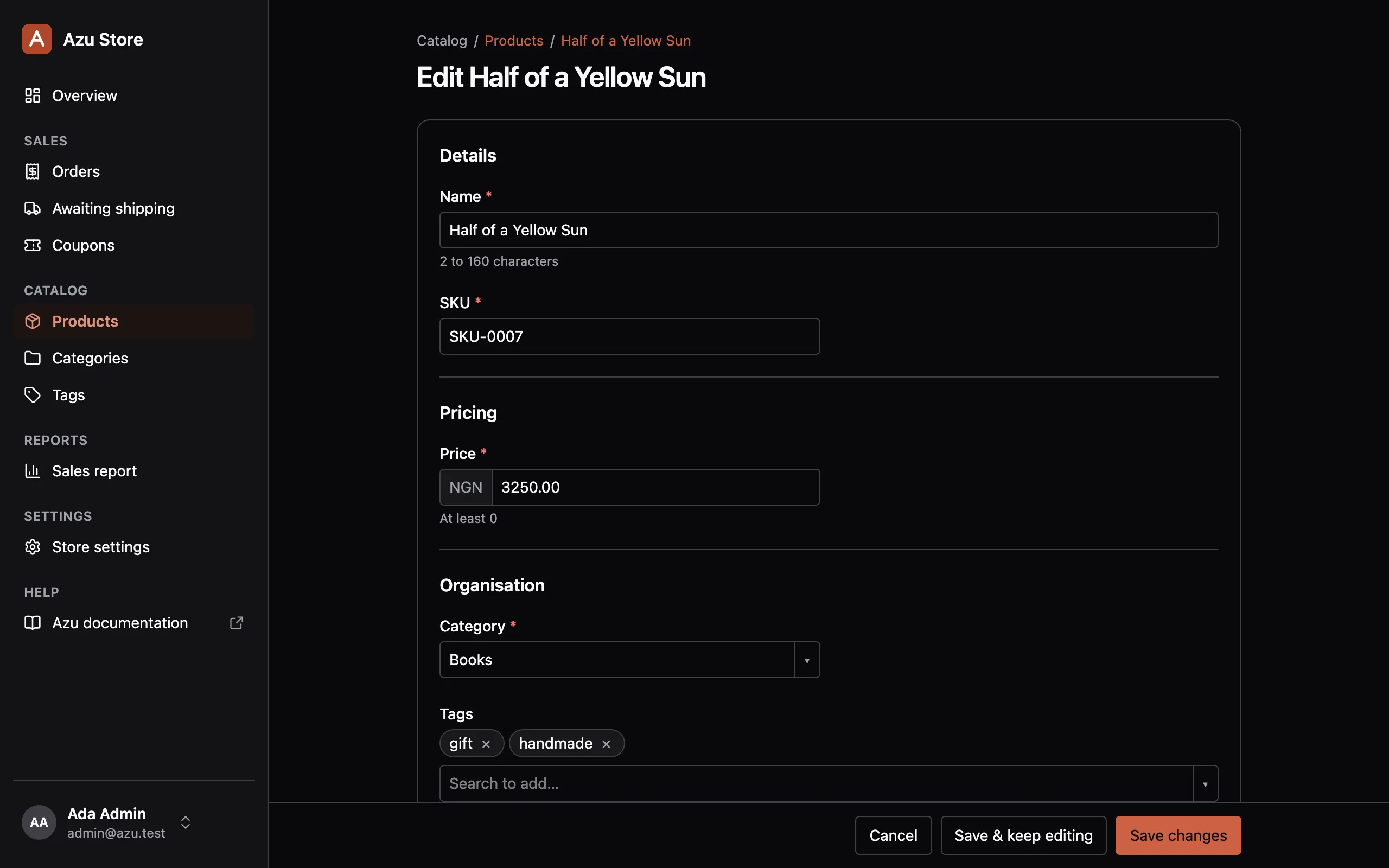
Section titled “Sections”A long form reads better in groups. Call .section('Details') on a field to put it under a heading. It works on resource, screen, and action form fields.
fields: [ field.text('name').section('Details'), // inertia/admin/components/sku_input.tsx field.text('sku').component('SkuInput').section('Details'), field.decimal('price').section('Pricing').min(0), field.belongsTo('category').section('Organisation').searchable('name'), field.manyToMany('tags').section('Organisation').searchable('name'), field .select('status') .section('Organisation') .options({ draft: 'Draft', published: 'Published' }), field.richText('description').section('Media'), field.image('thumbnail').section('Media').maxSize('2mb'),],How sections group:
- Groups follow the first appearance of each heading. Fields keep their declared order within a group.
- Fields without a section form an unheaded group. A blank heading puts a field back in that group.
- A group exists only when it has visible fields the user is allowed to see.
- Headings stay visible: level 2 on a page, level 3 under an action dialog’s title.
- Fields stack on phones.
- Validation focuses the first invalid control, in displayed order.
Forms without sections keep their usual layout, and detail pages don’t change.
Save modes
Section titled “Save modes”The primary button saves and goes to the record’s page. Beside it, a second button saves and stays:
- Create & add another, on the create form, saves and opens a fresh form. On phones it reads “Add another”.
- Save & keep editing, on the edit form, saves and comes back to the edit form. On phones it reads “Keep editing”.
After a create, the toast links to the new record when the user may view it. That link needs session middleware.
The save bar sticks to the bottom of the window while the form scrolls.
Unsaved changes
Section titled “Unsaved changes”Leaving a form with unsaved changes asks first:
- Inertia visits ask with a “Leave without saving?” dialog. That covers the sidebar, a breadcrumb, Cancel, and Sign out.
- Reloading, closing the tab, or leaving the app shows the browser’s own prompt.
- The form’s own submit never asks, and neither does what follows a successful save.
Note: the browser’s Back button, between two pages of the panel, leaves without asking. Inertia can’t intercept it.
What gets saved
Section titled “What gets saved”Azu reads only the fields the form showed this user from the request. Read-only fields are left out. Then your validator checks the rest, and only its output is written. See Validation.
beforeSave, the save, and afterSave share one transaction.