

In preview, for AdonisJS 7 with Inertia and React
The back of your AdonisJS app.
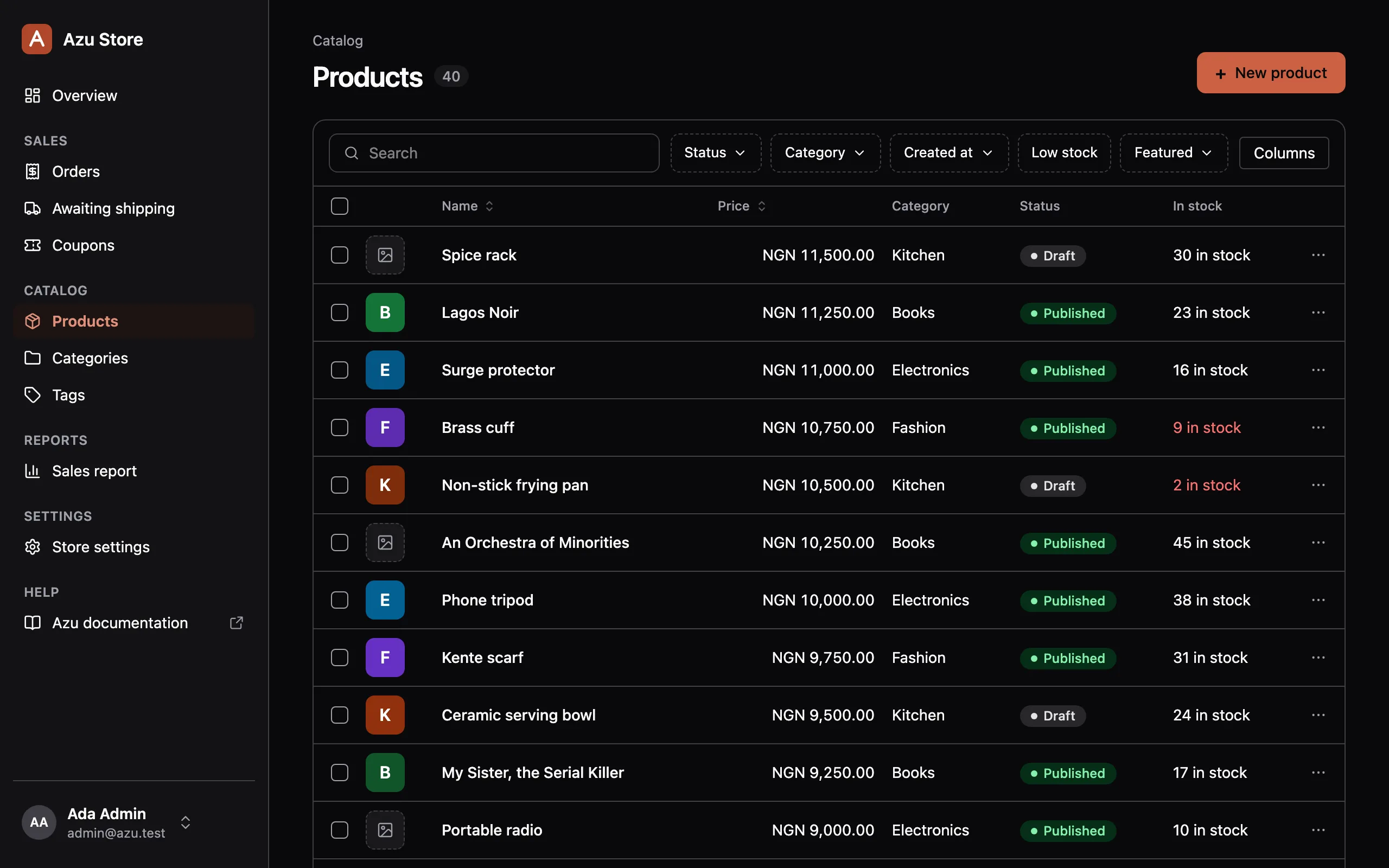
Azu is an admin panel for AdonisJS 7. Build searchable lists, detail pages, and forms from the Lucid models, Bouncer policies, and VineJS validators you already have.
npm i @mezielabs/azu@preview @mezielabs/azu-react@preview
Your rules
One set of rules, and it's yours.
Azu doesn't keep its own permissions or validation. It calls the code your app already runs, so the panel can't drift from it.
Lucid models
Columns, fields, and relationships come from your models. Azu preloads relations shown in columns, so lists don't run N+1 queries.
Bouncer policies
Azu checks every page and action on the server, including each record in a bulk action. A missing policy method means denied.
VineJS validators
Forms save through your validators, and their messages show on the field. Only declared fields ever reach them.
Drive disks
Images and files go to the disks you configured. The server checks each upload's size and type.
What you write
A short file per resource.
Point it at a model, then borrow the policy and validators you already wrote. Here's the demo store's category resource.
import { column, defineResource, field } from '@mezielabs/azu'import Category from '#models/category'import CategoryPolicy from '#policies/category_policy'import { createCategoryValidator, updateCategoryValidator } from '#validators/category'
export default defineResource(Category, {  group: 'Catalog',  icon: 'folder',  order: 2,  title: 'name',  search: ['name', 'slug'],  policy: CategoryPolicy,  validators: { create: createCategoryValidator, update: updateCategoryValidator },
  columns: [column.text('name').sortable(), column.text('slug')],  fields: [    field.text('name'),    field.text('slug'),    field.textarea('description'),    field.hasMany('products'),  ],})
Typed against the model, so a typo like column.text('nmae') fails tsc.
In the box
Everything a back office needs.
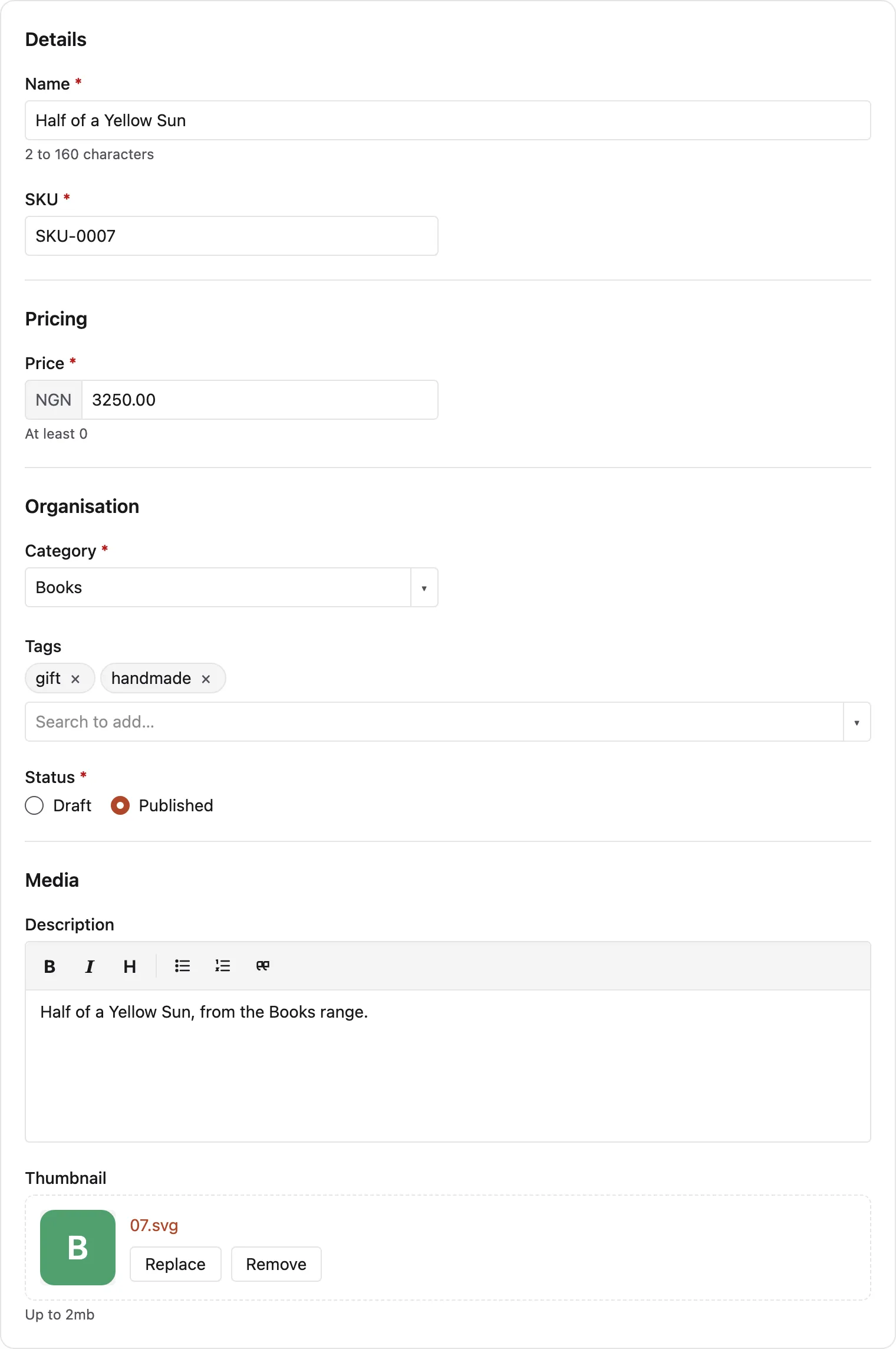
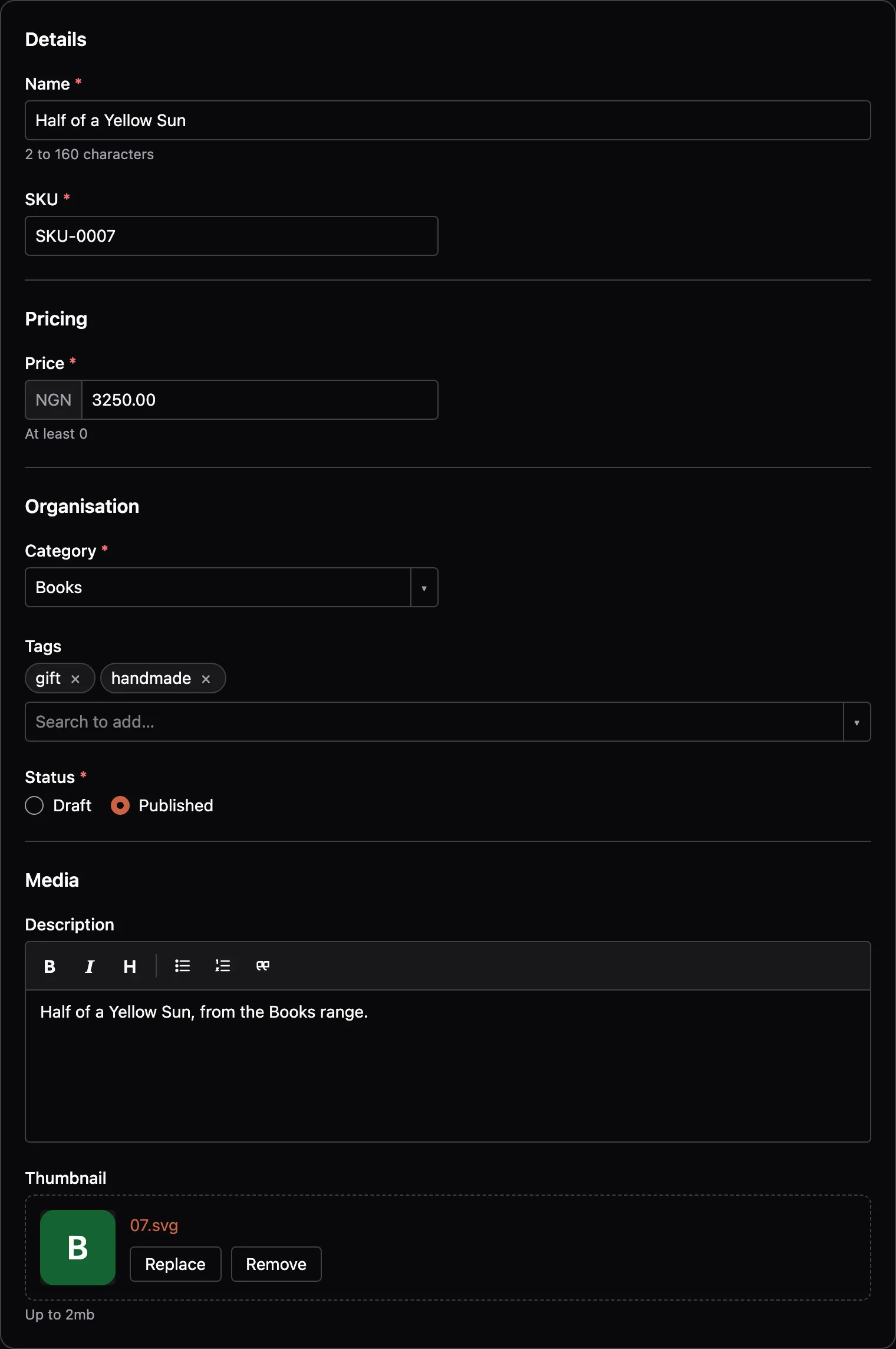
Lists, forms, and actions come from the resource. Screens cover the pages that aren't about one model.
Search, sort, and filter
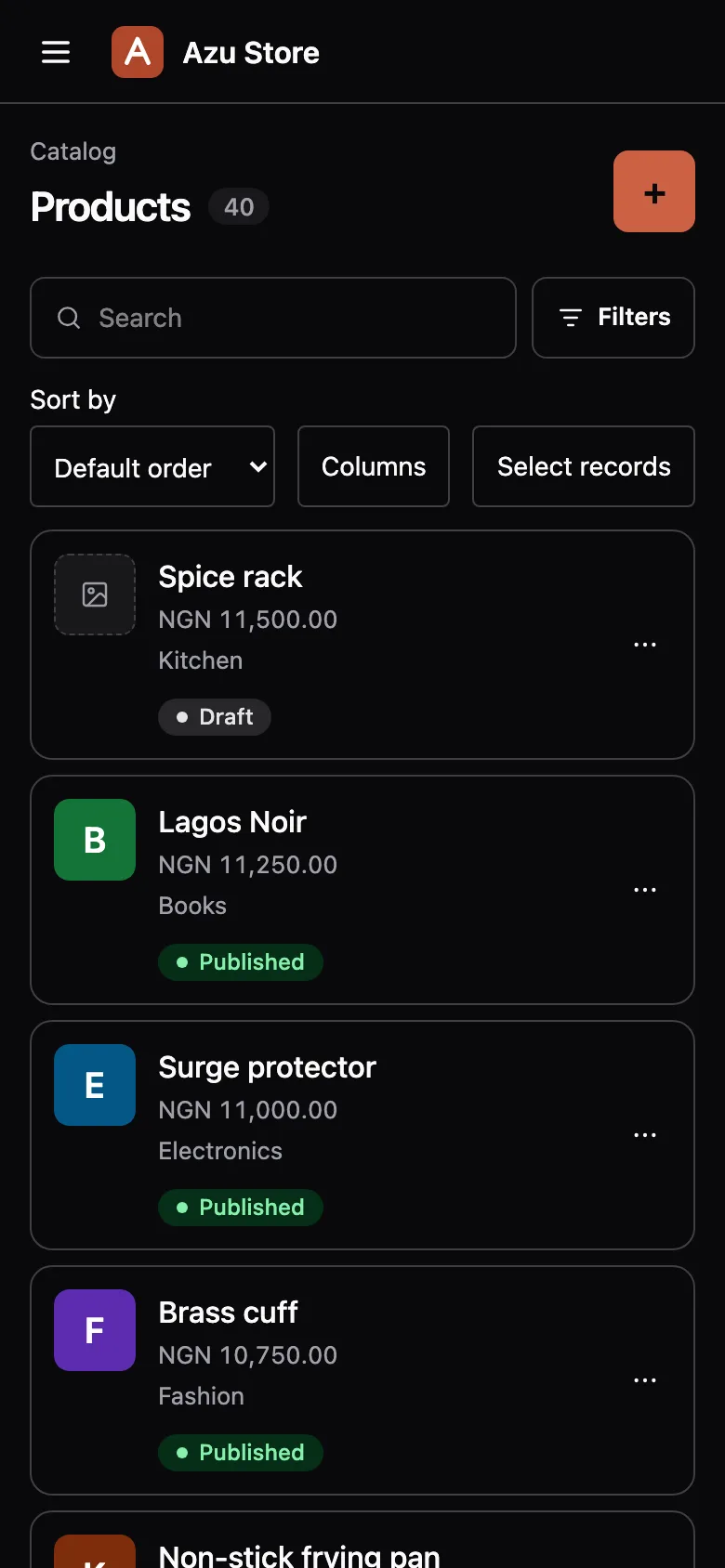
Pick your columns, and the URL keeps the view. On phones, rows become cards.
Row and bulk actions
Run an action on one record or many. Each record passes its policy, and the work runs in a transaction.
Relationships
belongsToandmanyToManyfields get searchable pickers, andhasManylists the related records. Pivot rows sync on save.Screens and widgets
Add dashboards, settings forms, and reports. Value, progress, partition, table, and trend metrics are built in.
Your brand, light and dark
Set one brand colour. Azu adjusts it so every text pair stays at WCAG AA in both themes.
Override anything
Swap a field or page for your own React component, or publish a page and own it. No fork.
Install
Up and running in about two minutes.
Timed on a new React starter kit, from adding Bouncer to editing a user.
Add Bouncer
The panel's access gate is a Bouncer ability.
Install and configure Azu
Configure checks your setup first. Then it adds the config, the admin's Vite entry, and an access ability.
Let yourself in
Allow your account in
accessAdmin, generate a resource, and open/admin.
# 1. Bouncernode ace add @adonisjs/bouncer
# 2. Azu, from the preview tagnpm i @mezielabs/azu@preview @mezielabs/azu-react@previewnode ace configure @mezielabs/azu
# 3. Allow your account in app/abilities/main.ts, then:node ace migration:runnode ace azu:resource User --policynpm run dev
Free, open source, and in preview.
Azu is MIT licensed. The API may still change, so tell us what you'd do differently while it settles.
See what's not ready yetWhat you need
- AdonisJS 7 with Lucid, Auth, and Bouncer
- Inertia with React
- Node.js 24.21 or later
- PostgreSQL, MySQL, or SQLite