

The AdonisJS admin panel
The back of your
AdonisJS app.
Build your admin with the Lucid models, Bouncer policies, and VineJS validators you already have.
One product resource
What you write. What you get.
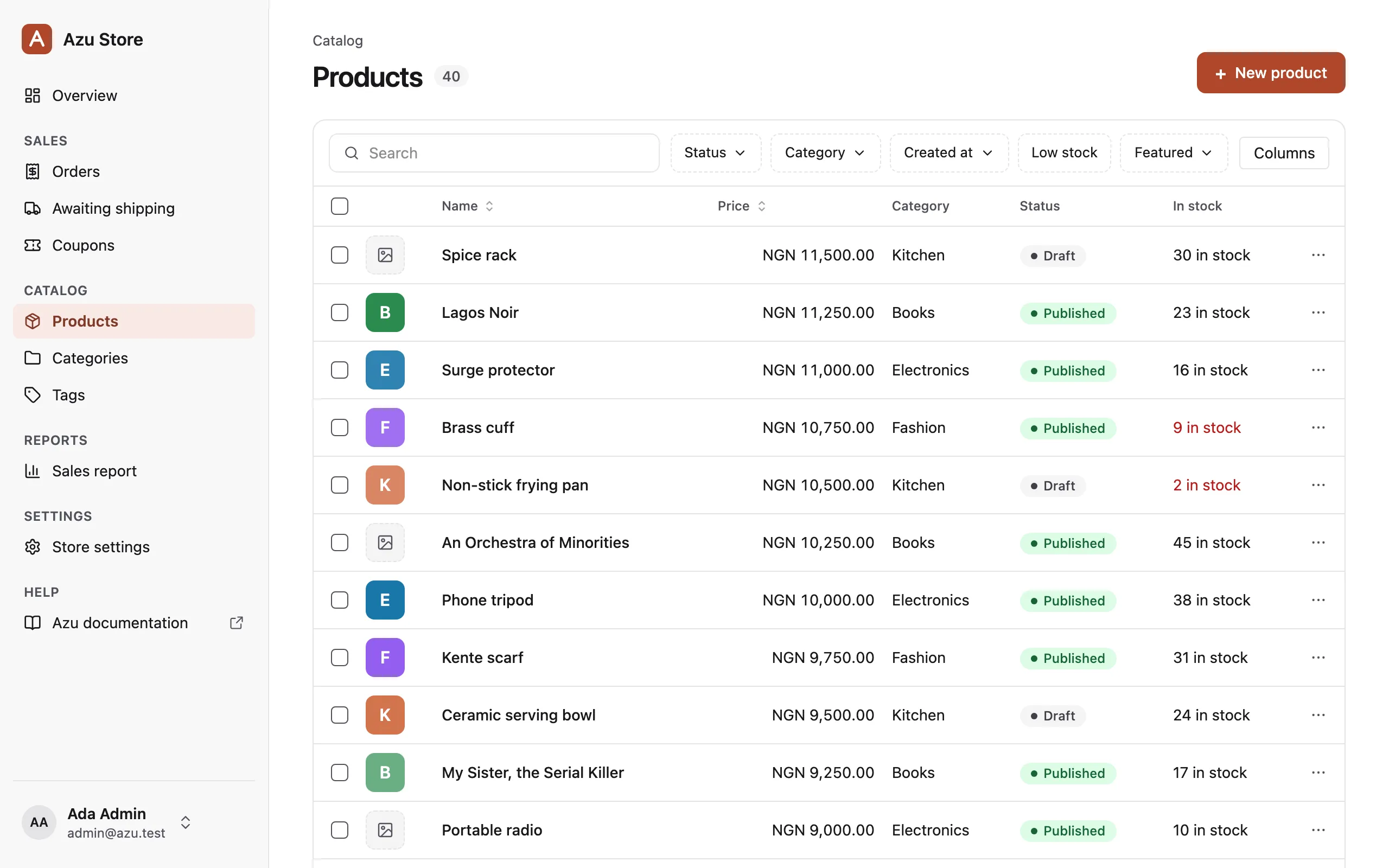
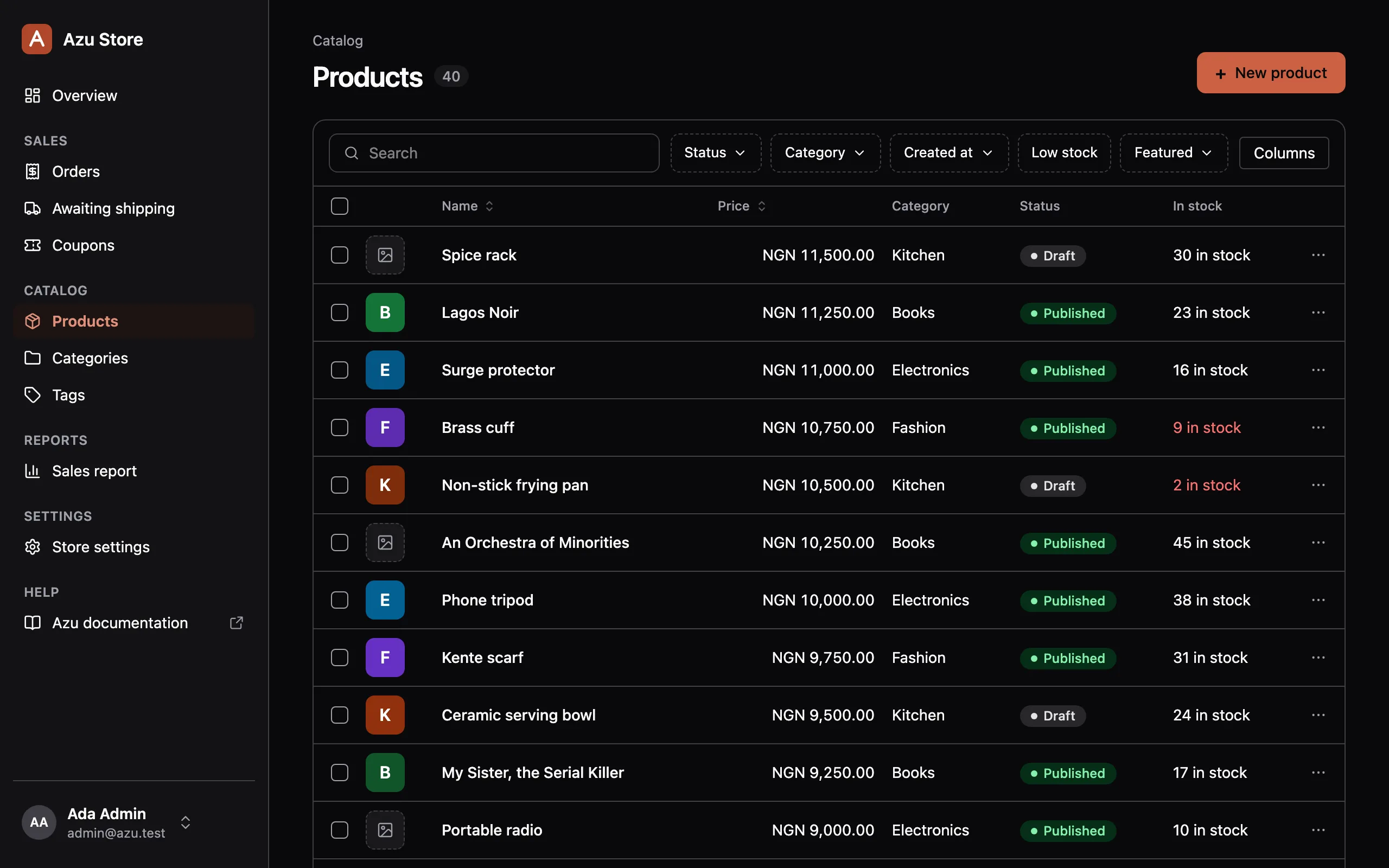
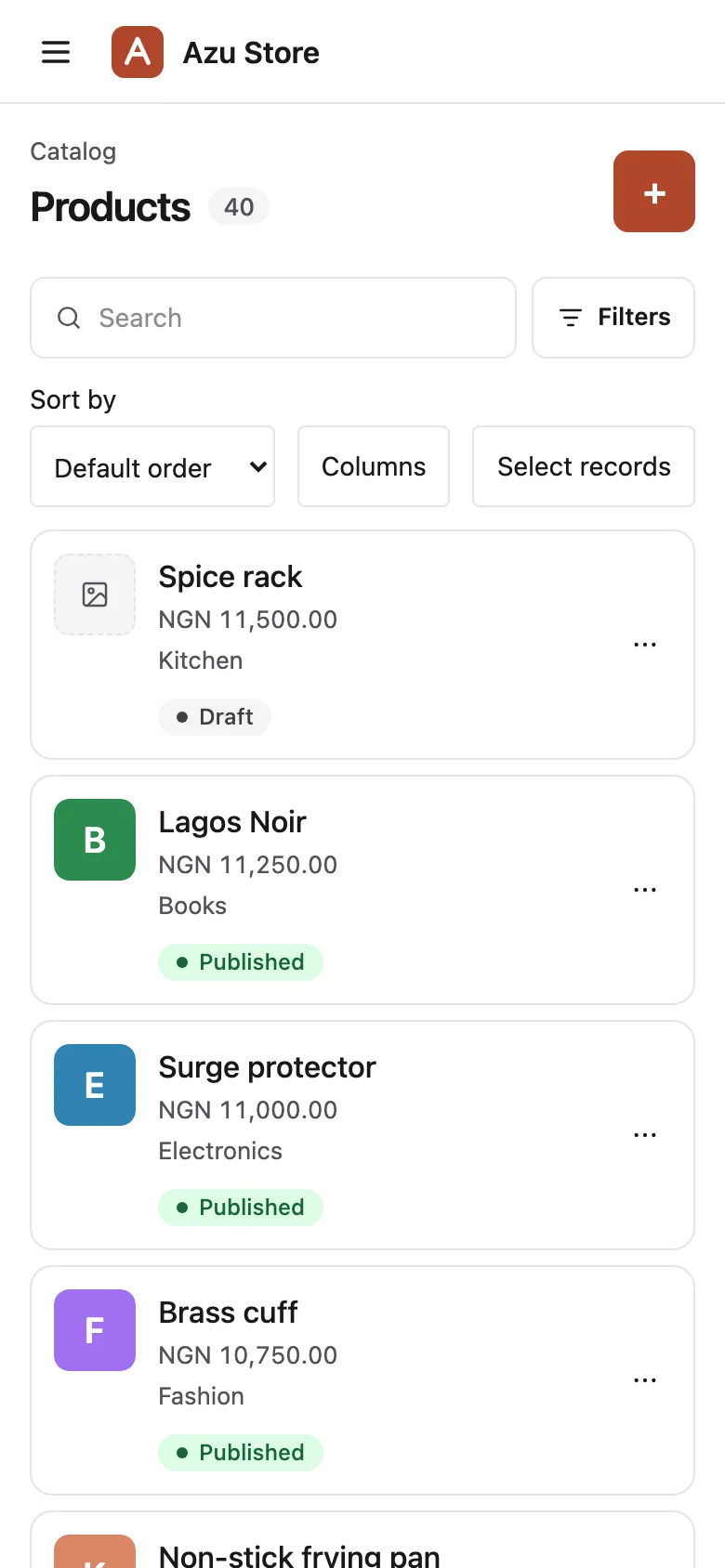
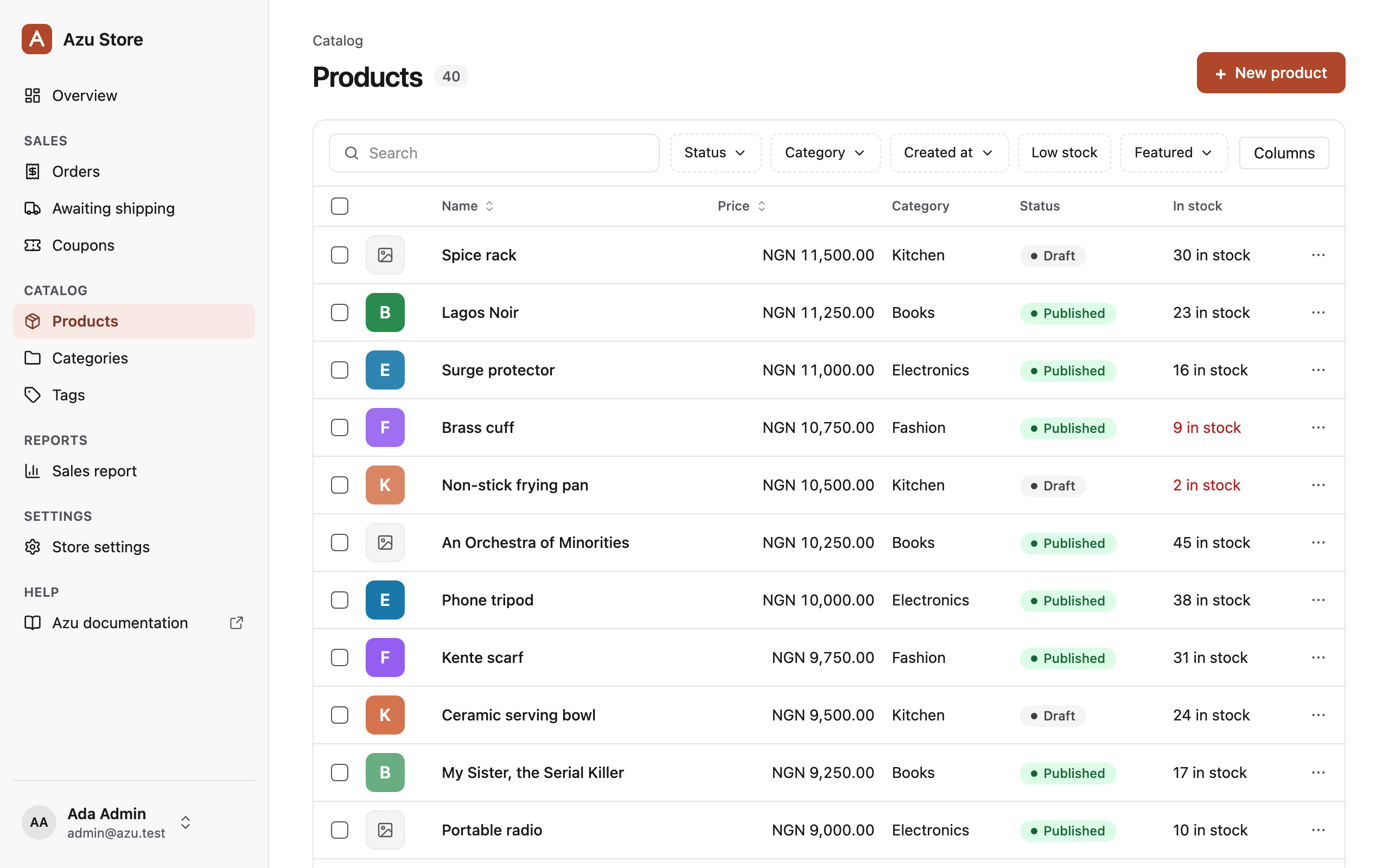
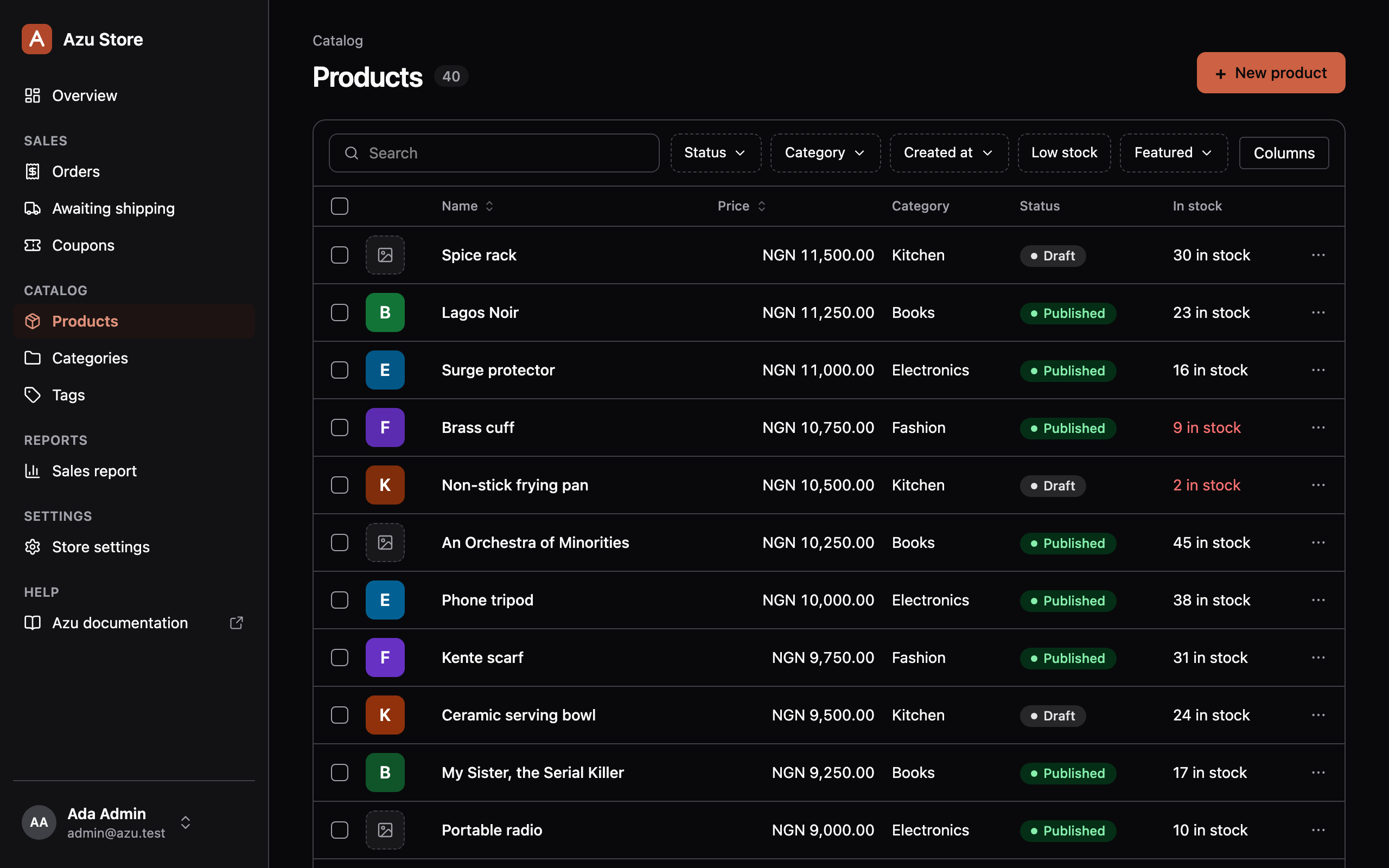
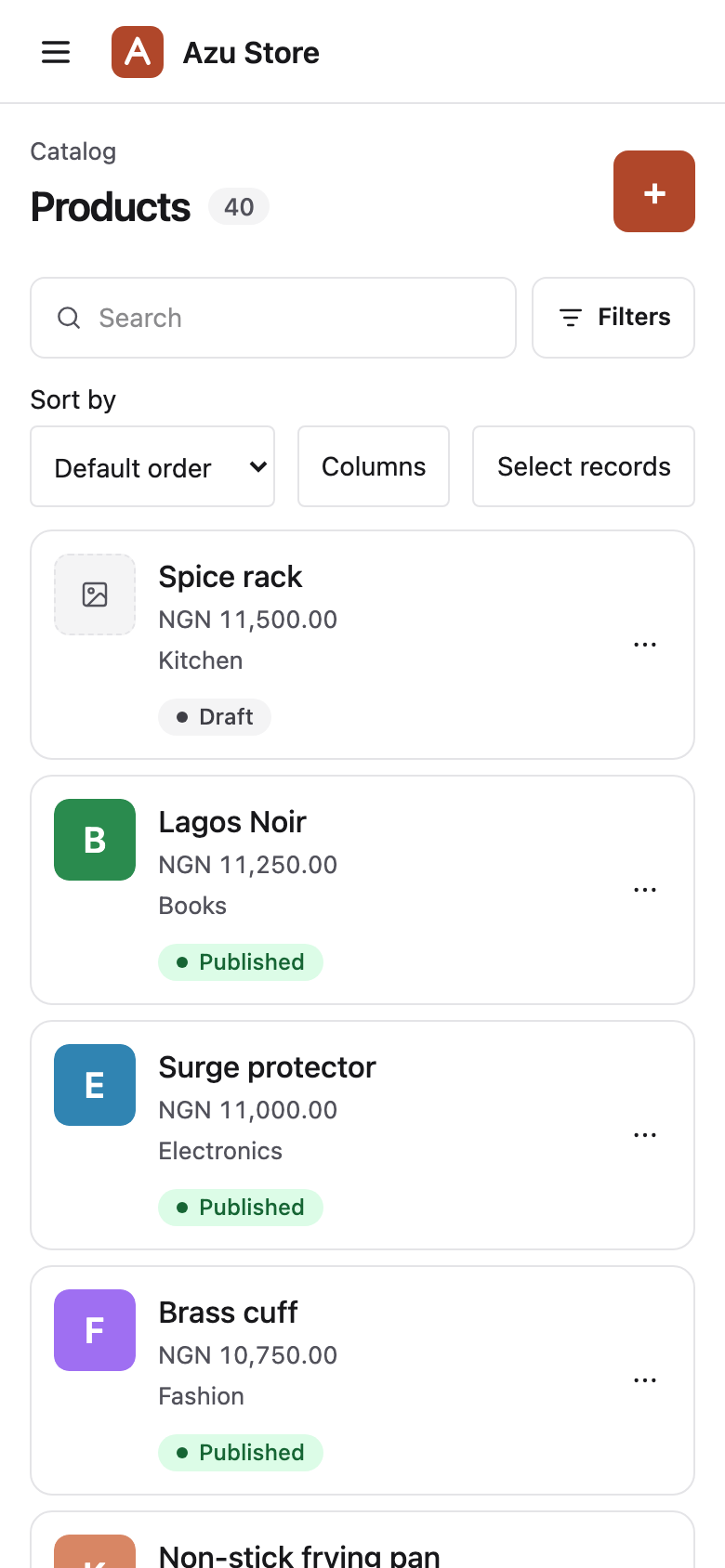
Your products, ready to manage.
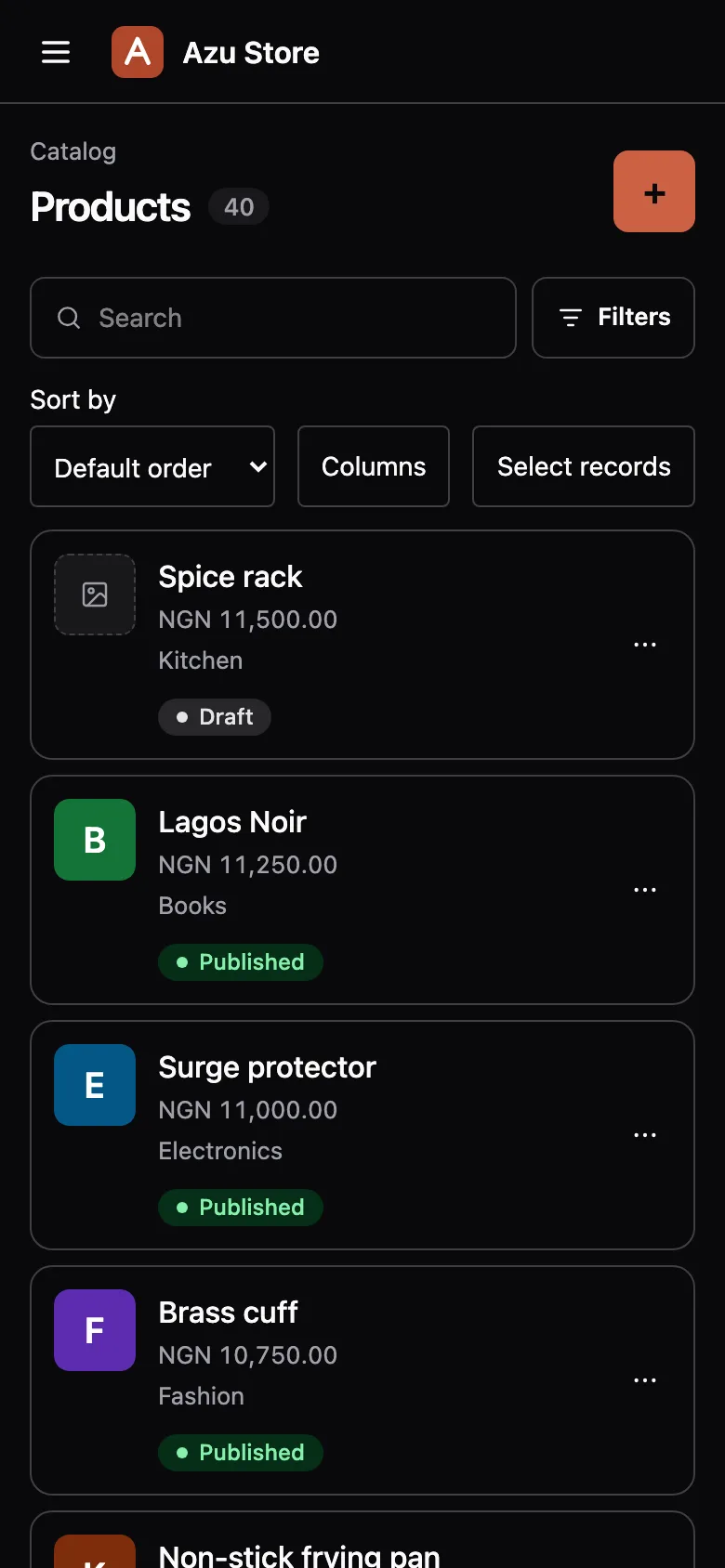
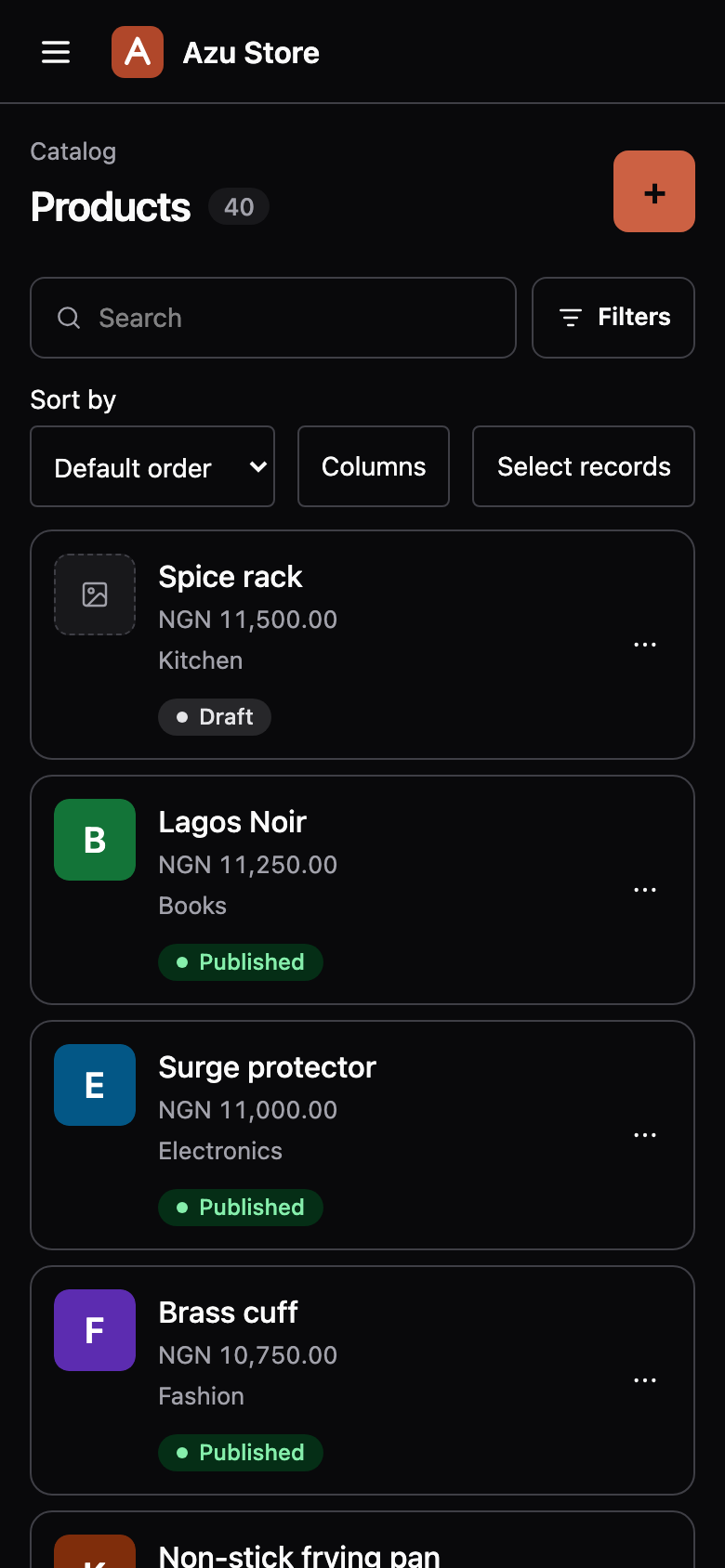
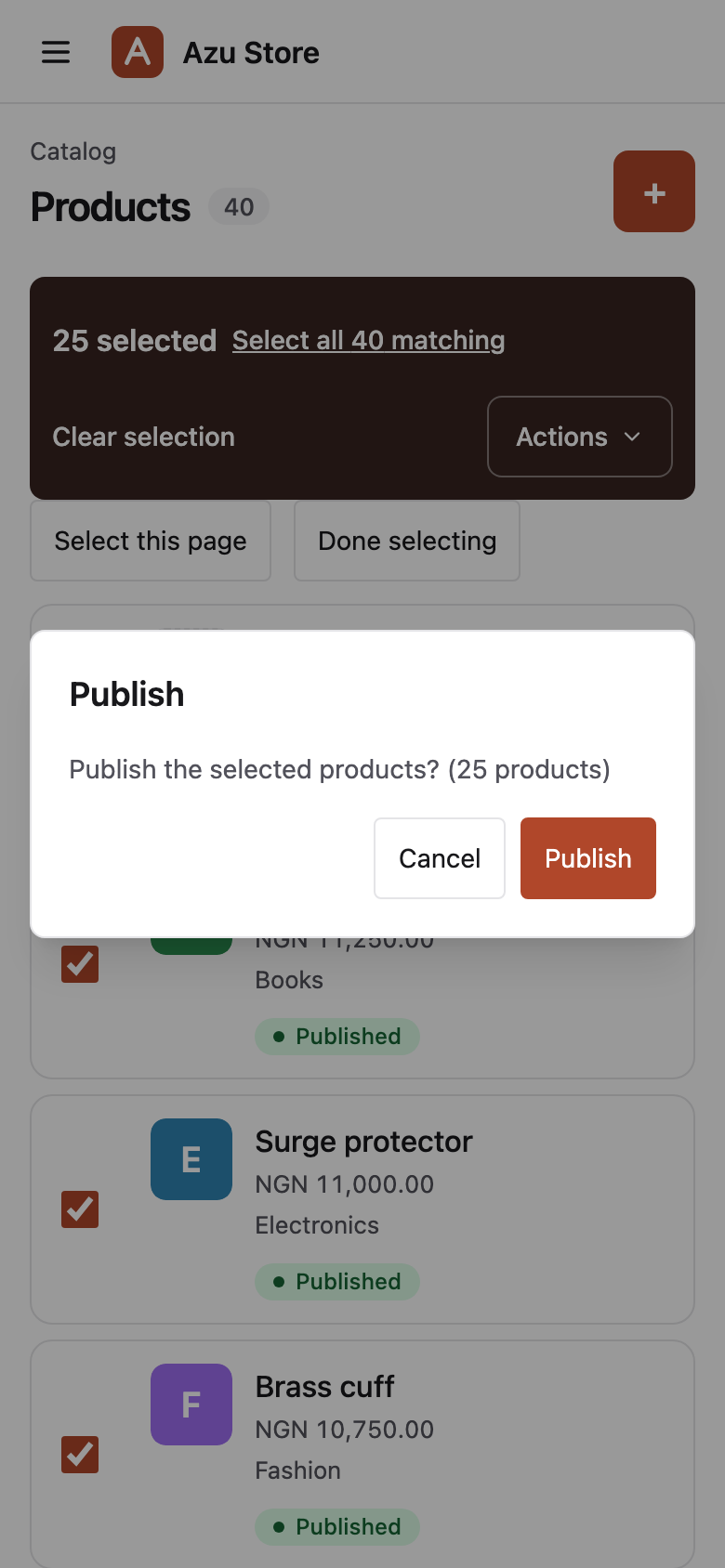
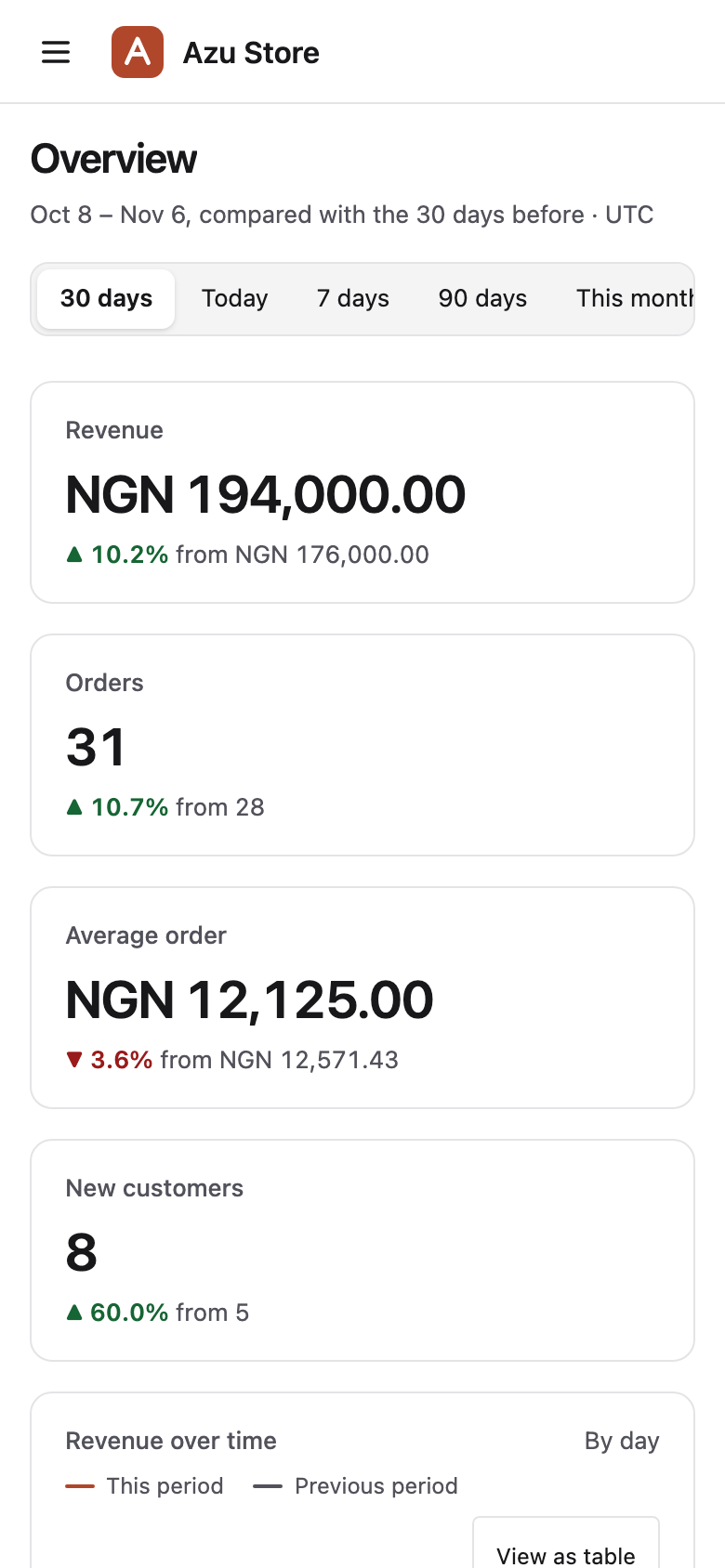
Search, sort, and filter your records. The URL keeps the view, and rows become cards on phones.
View resource codeHide resource code
product_resource.ts /columns
columns: [ column.image('thumbnail'), column.text('name').sortable(), column.decimal('price').format('currency', 'NGN').sortable(), column.belongsTo('category', 'name'), column.badge('status').colors({ draft: 'gray', published: 'green' }), // inertia/admin/components/stock_bar.tsx column.custom('stock', 'StockBar').label('In stock'), column.text('sku').hiddenByDefault(),],These columns come from the demo store’s product resource. Related records are preloaded.
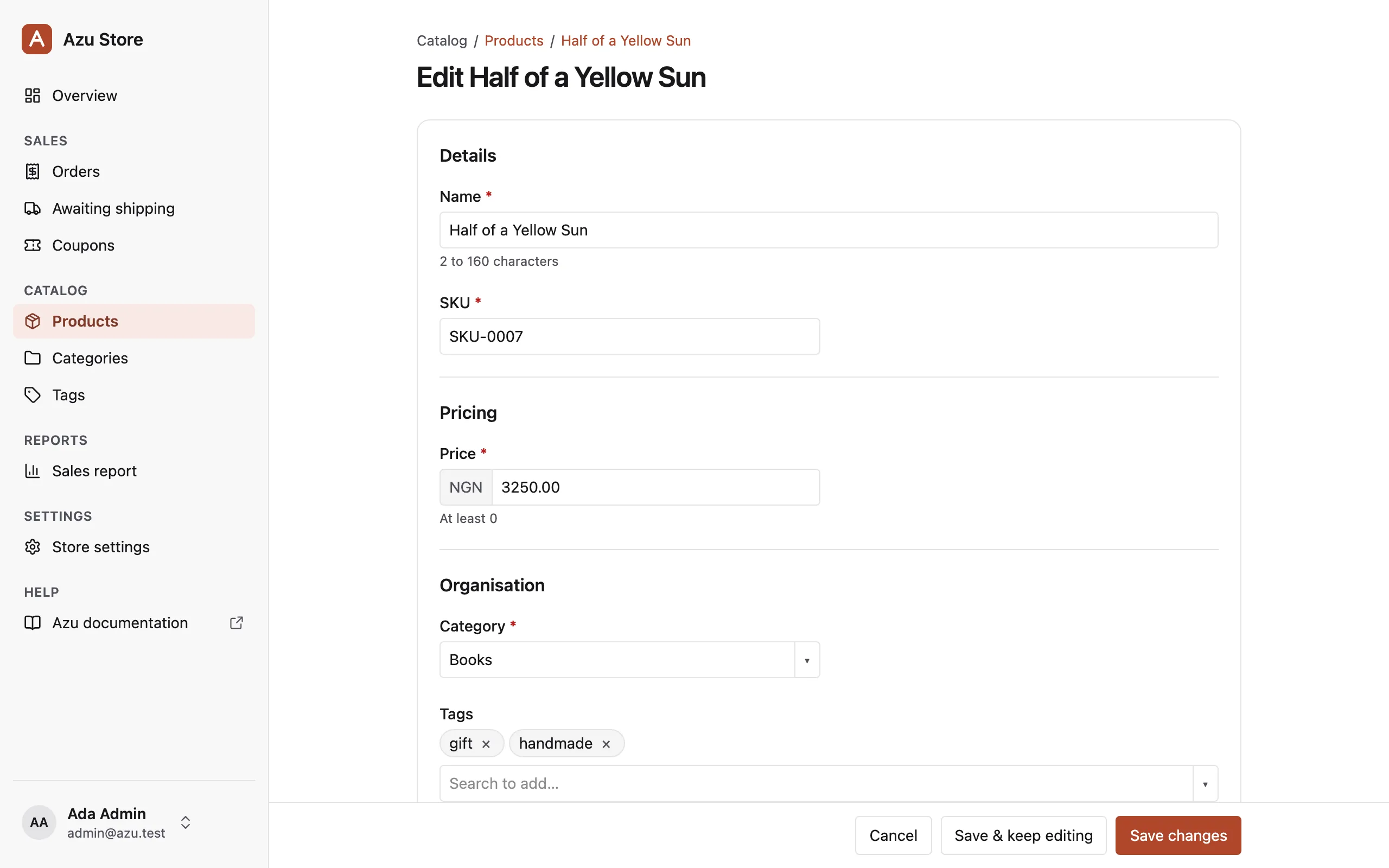
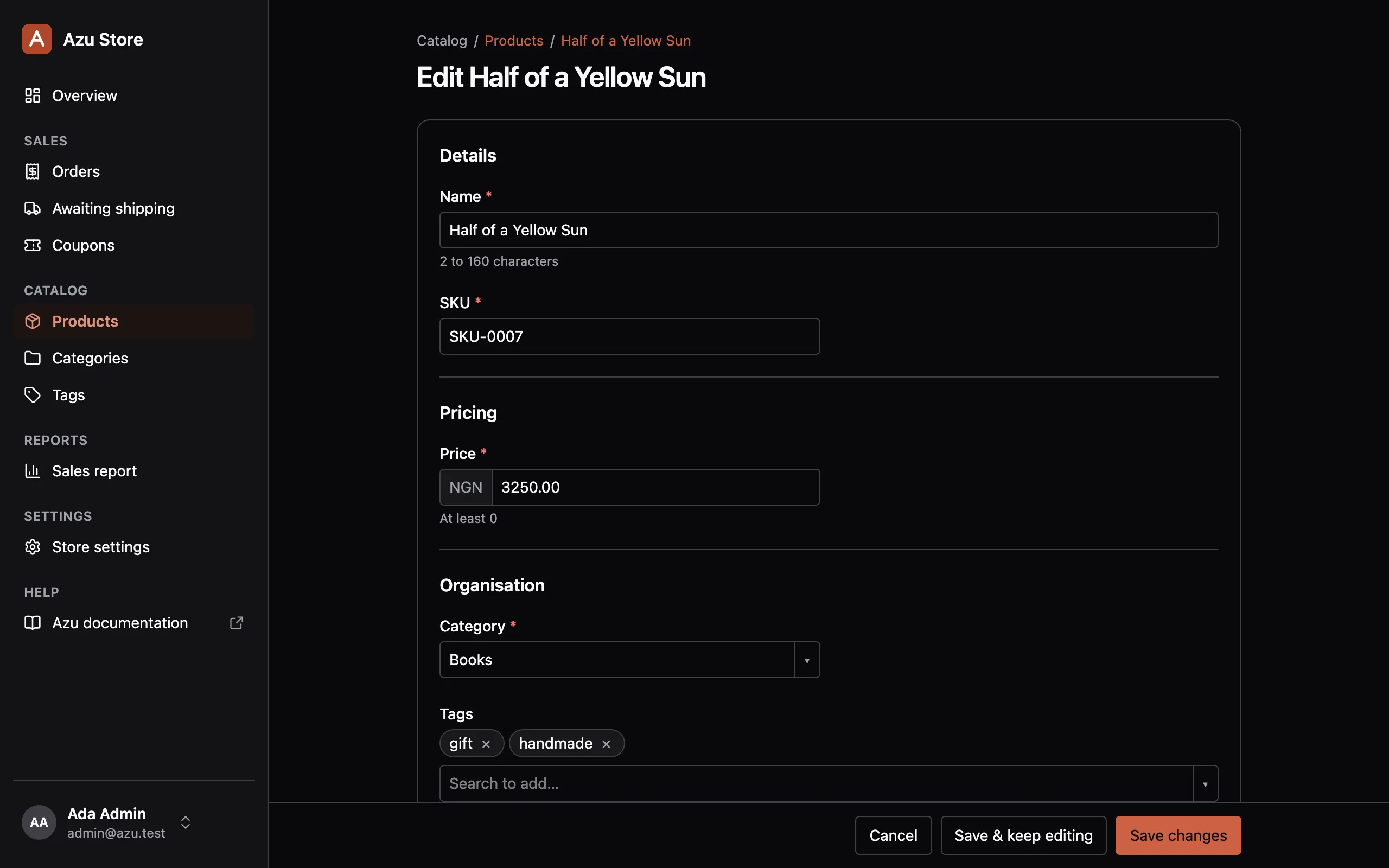
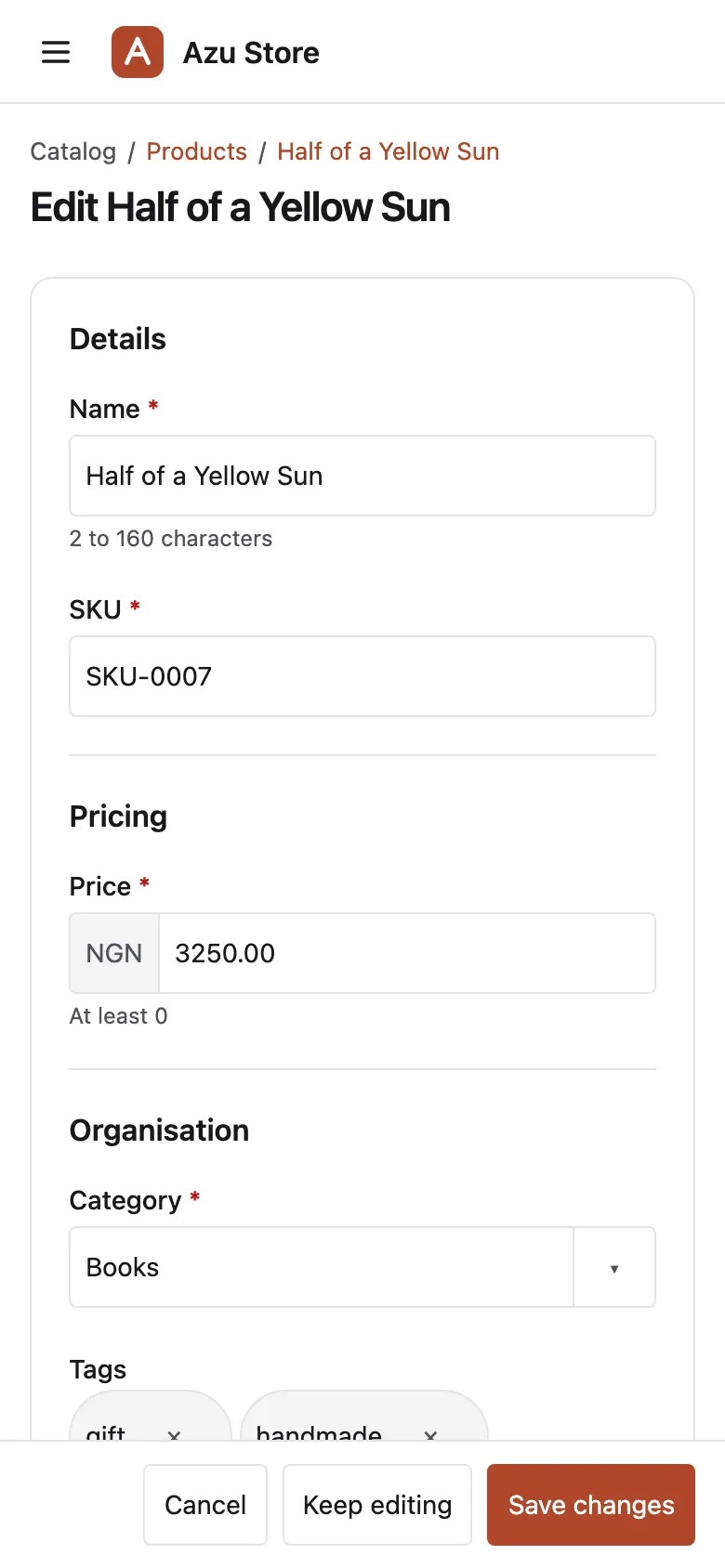
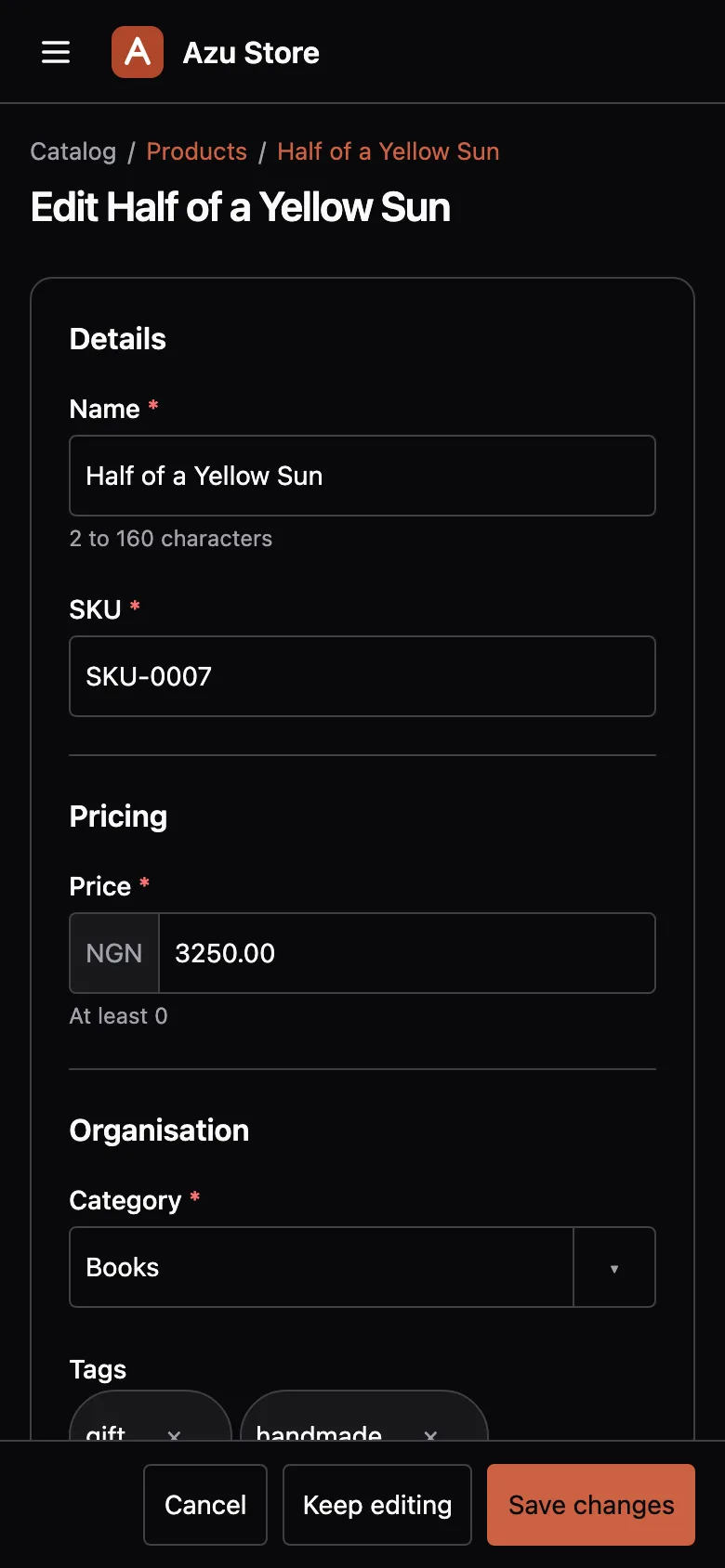
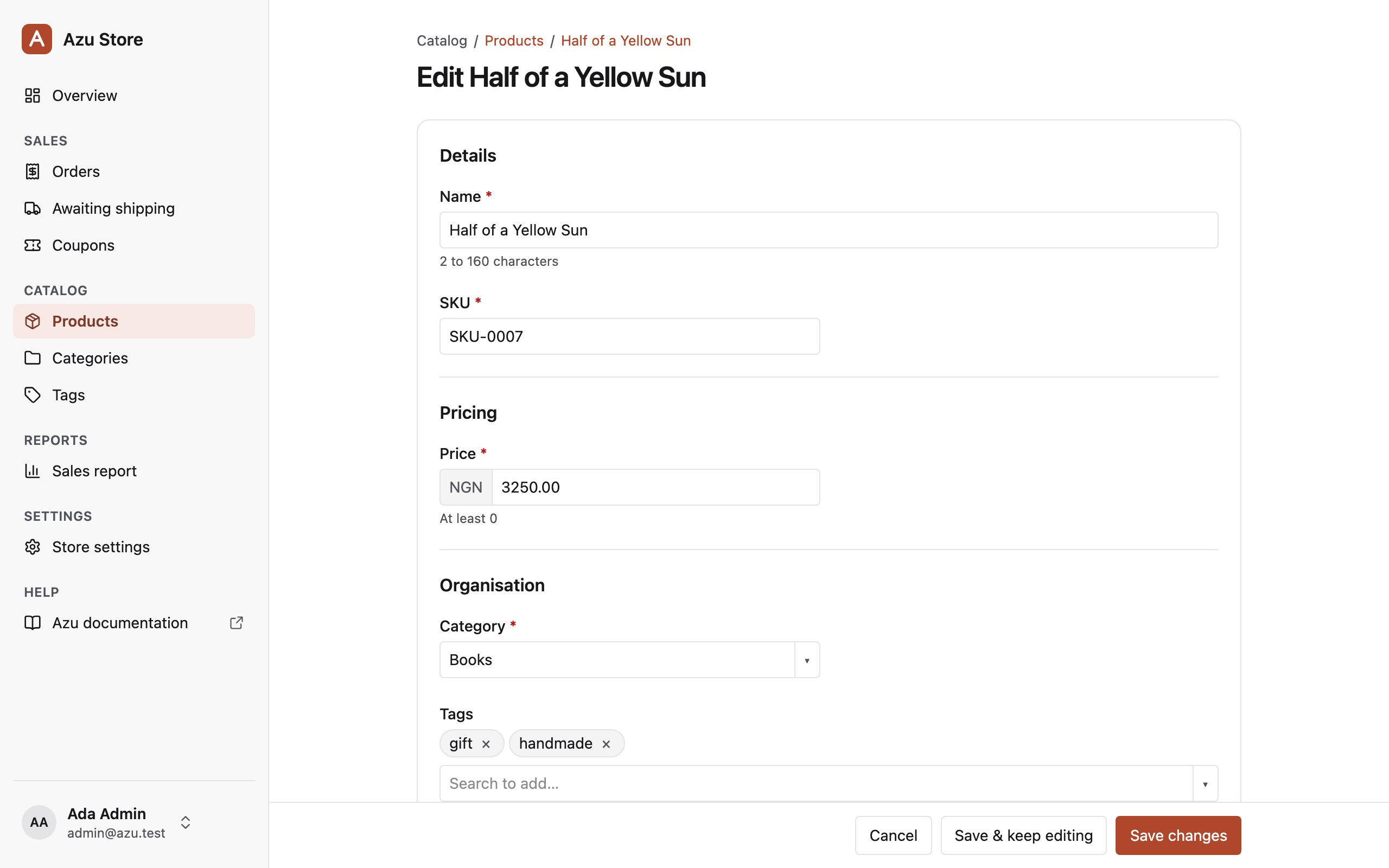
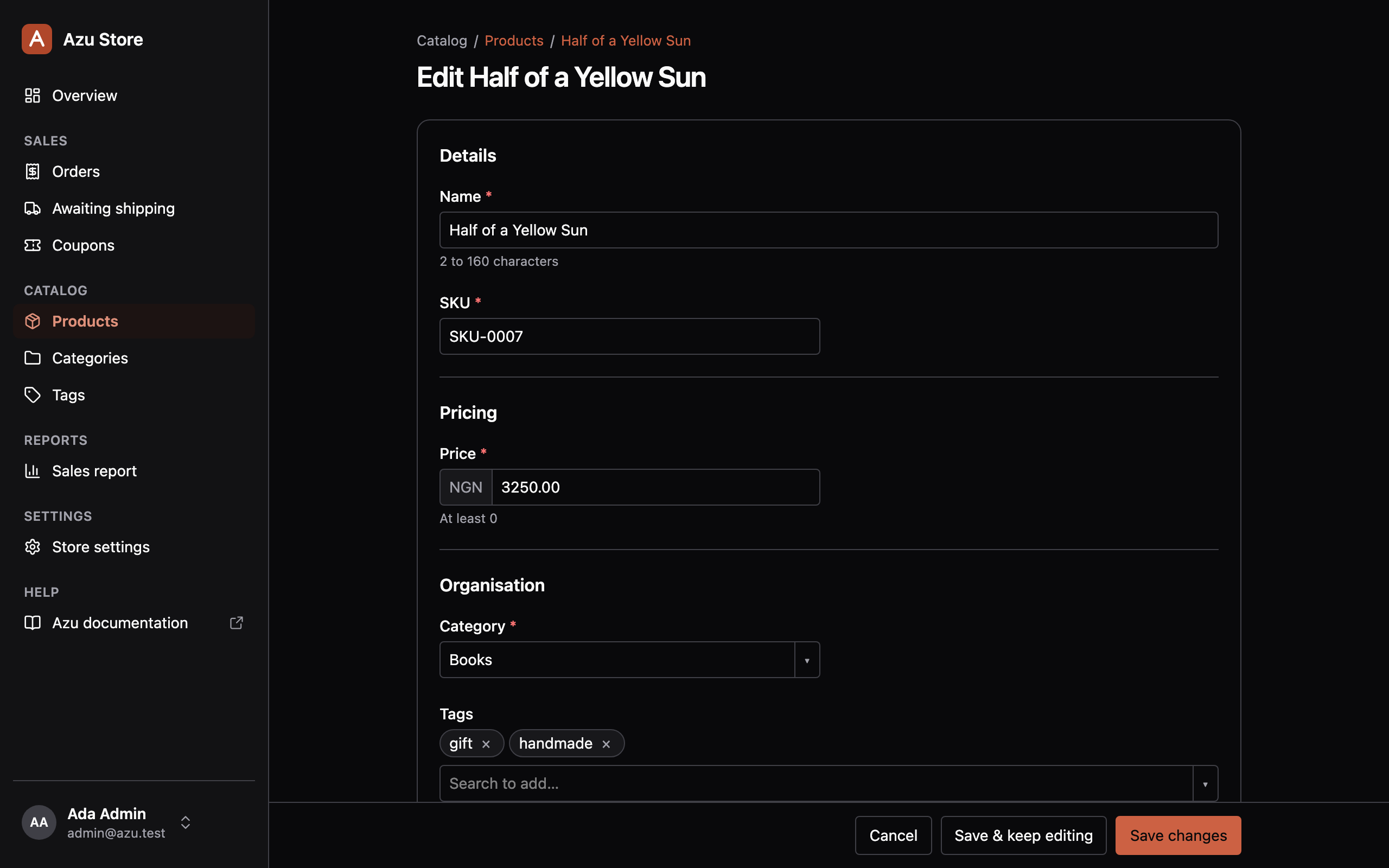
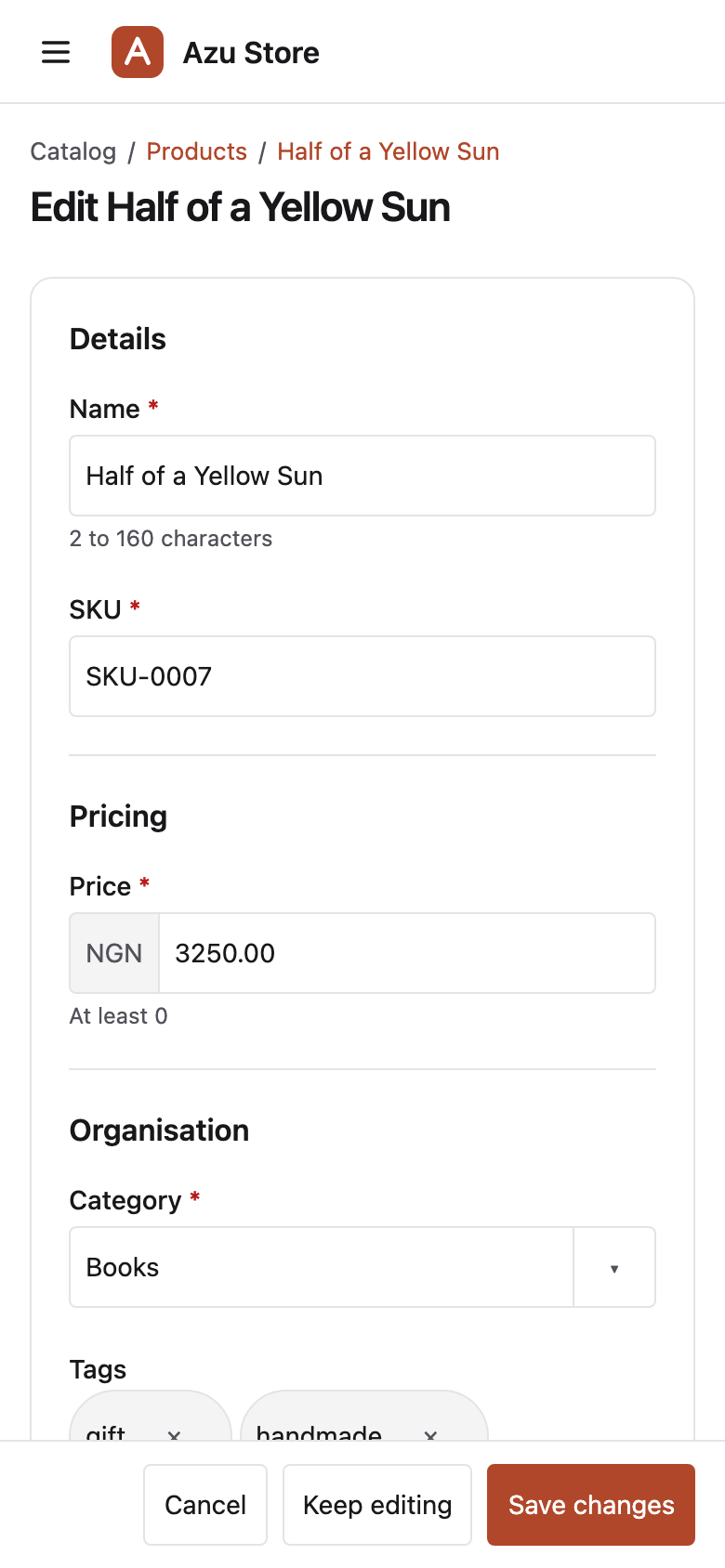
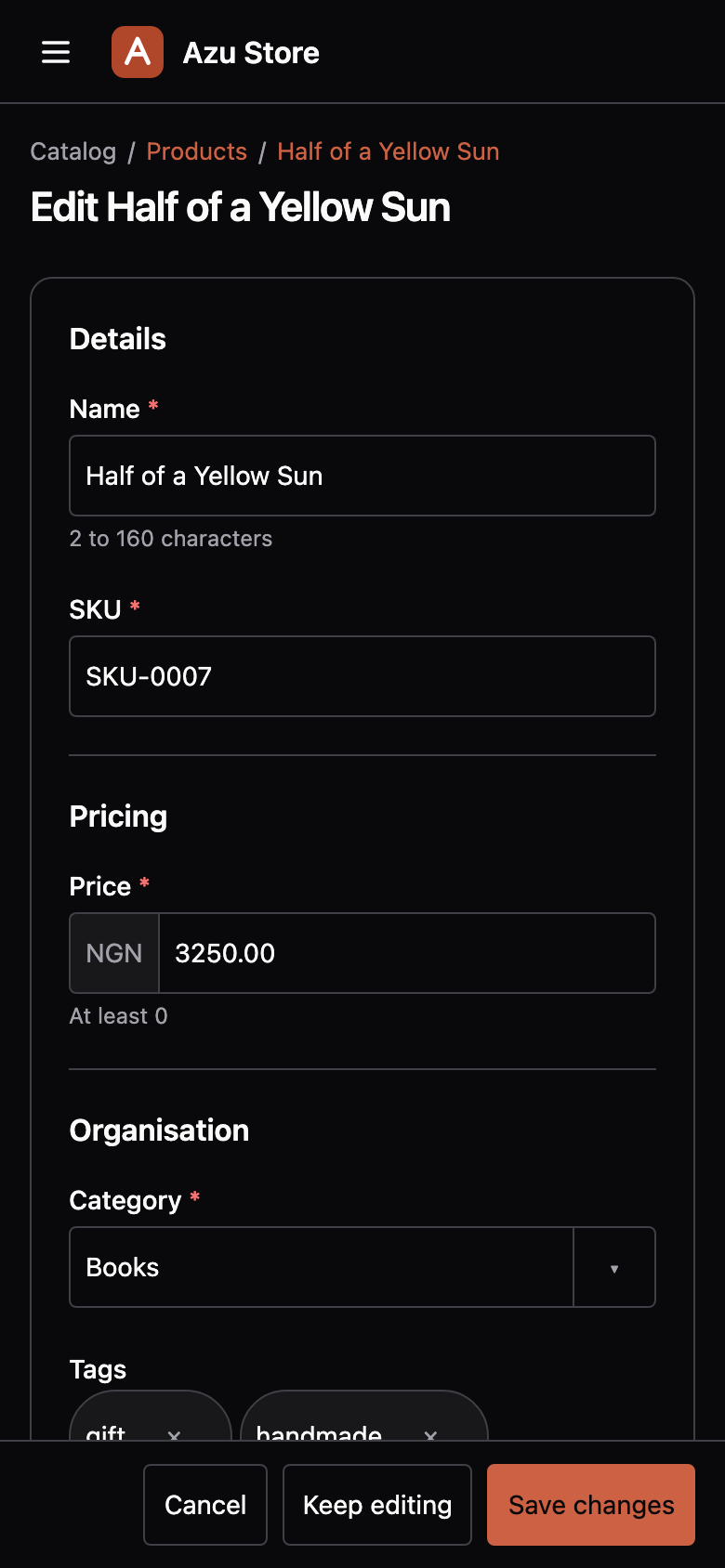
From fields to a product form.
Group fields into sections, pick related records, and upload images to your configured Drive disk.
View resource codeHide resource code
product_resource.ts /fields
fields: [ field.text('name').section('Details'), // inertia/admin/components/sku_input.tsx field.text('sku').component('SkuInput').section('Details'), field.decimal('price').section('Pricing').min(0), field.belongsTo('category').section('Organisation').searchable('name'), field.manyToMany('tags').section('Organisation').searchable('name'), field .select('status') .section('Organisation') .options({ draft: 'Draft', published: 'Published' }), field.richText('description').section('Media'), field.image('thumbnail').section('Media').maxSize('2mb'),],The same product resource defines this form. Your VineJS validators check every save.
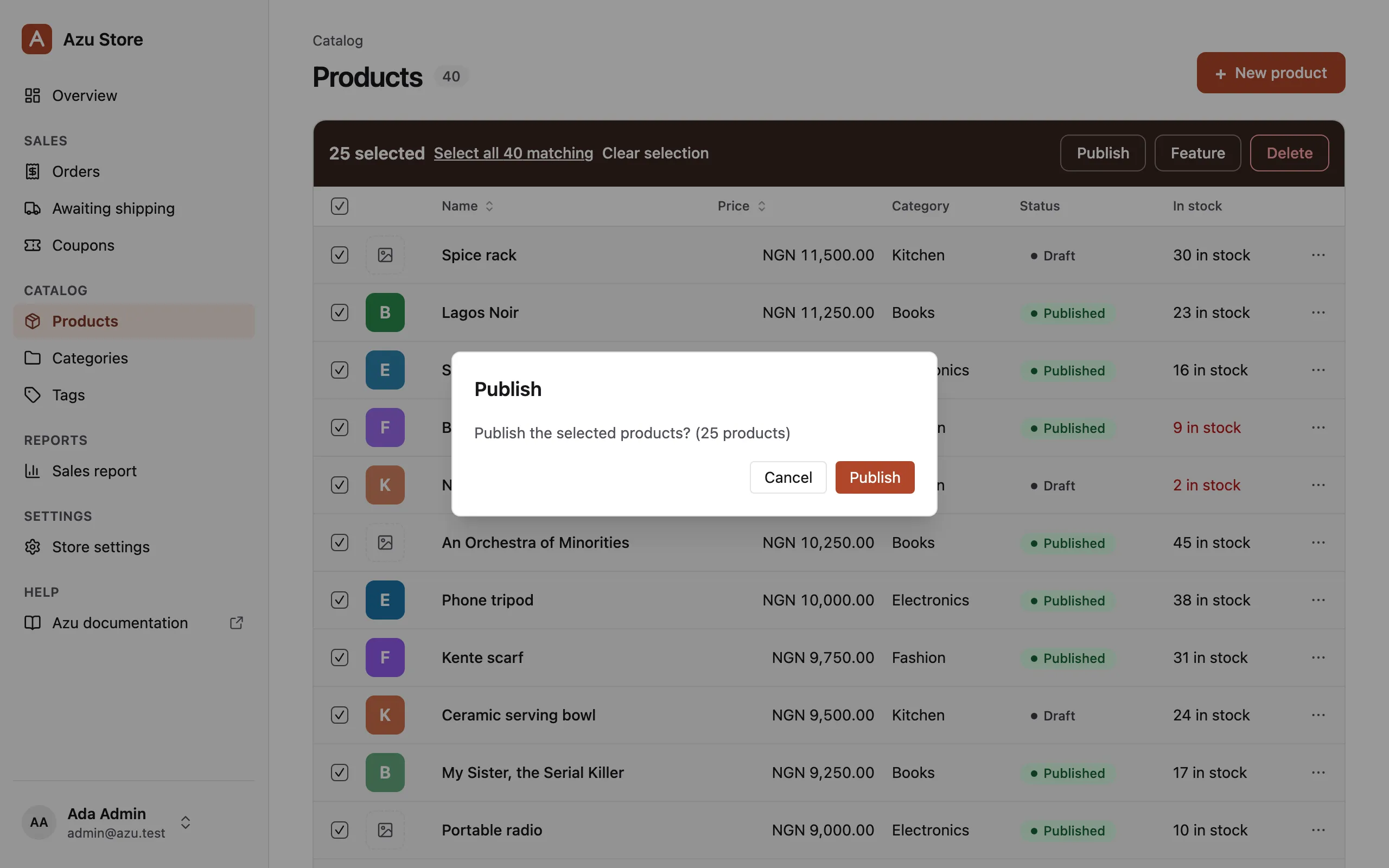
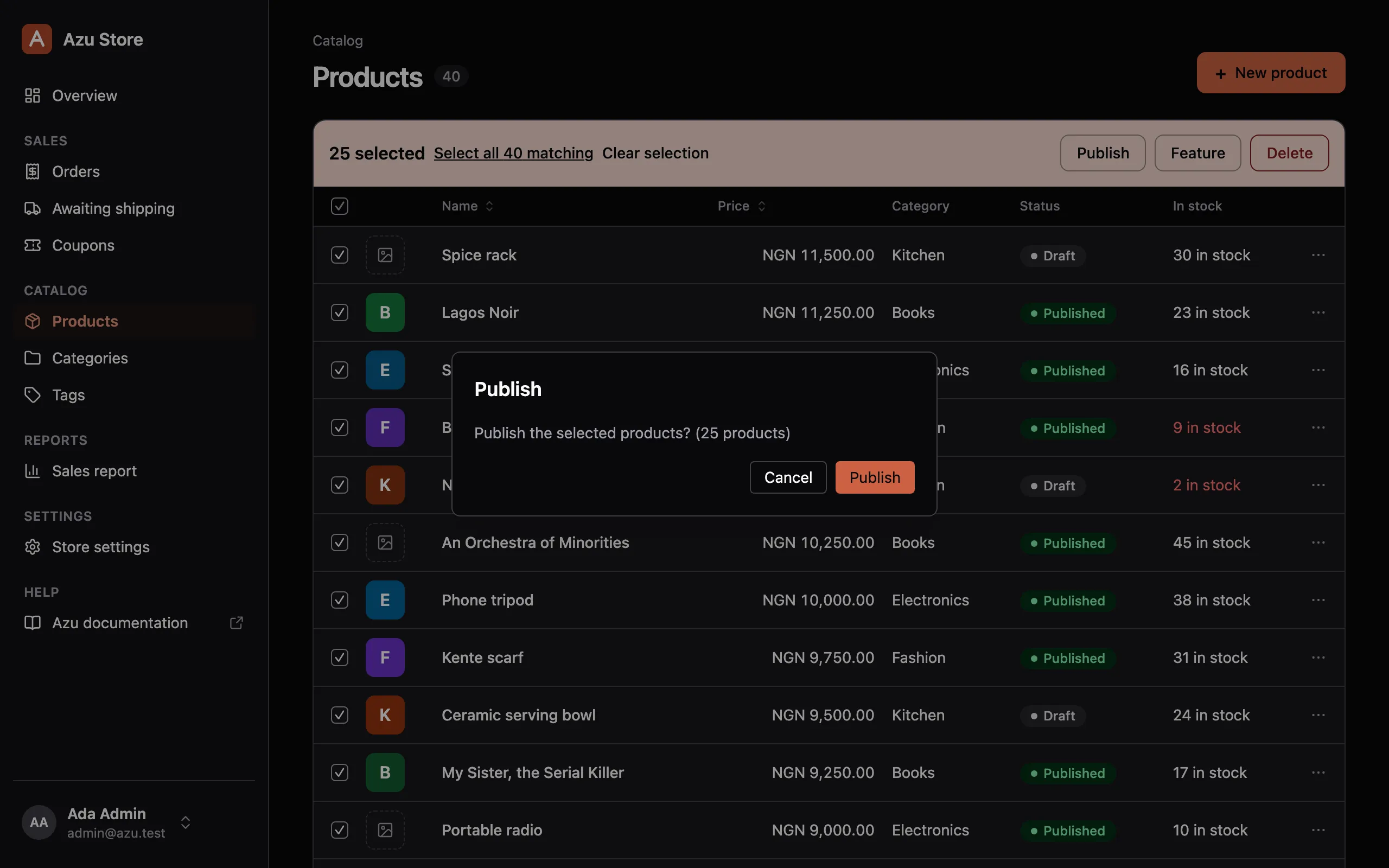
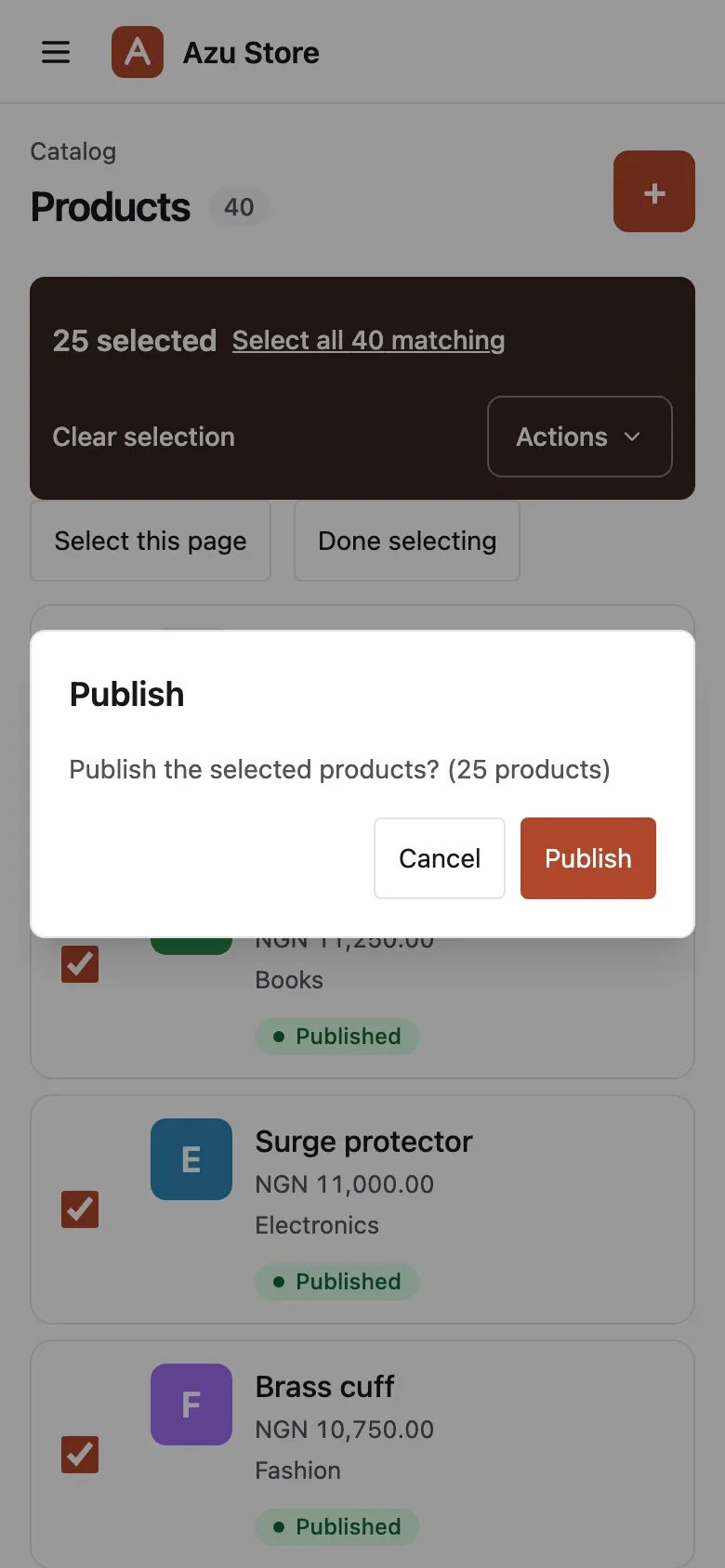
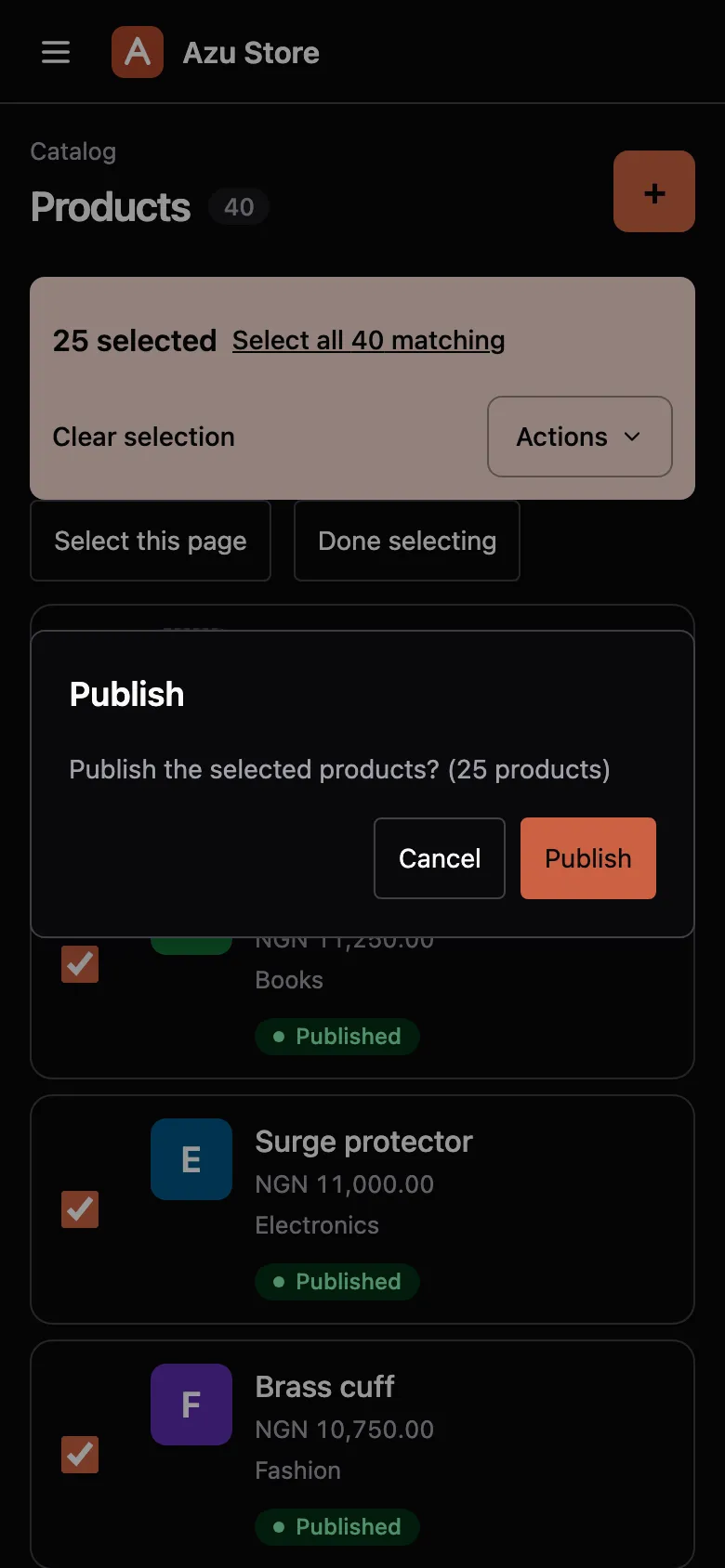
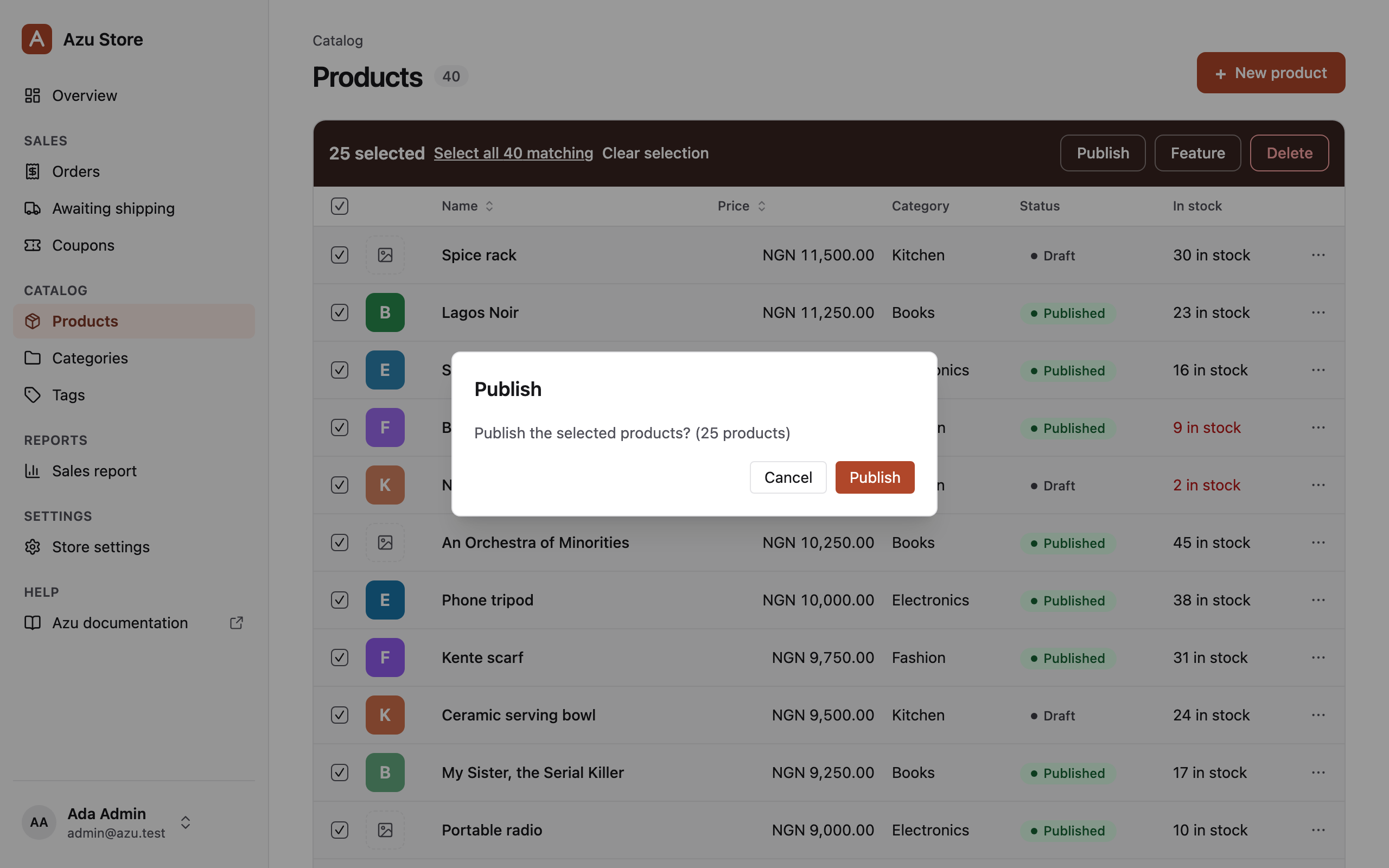
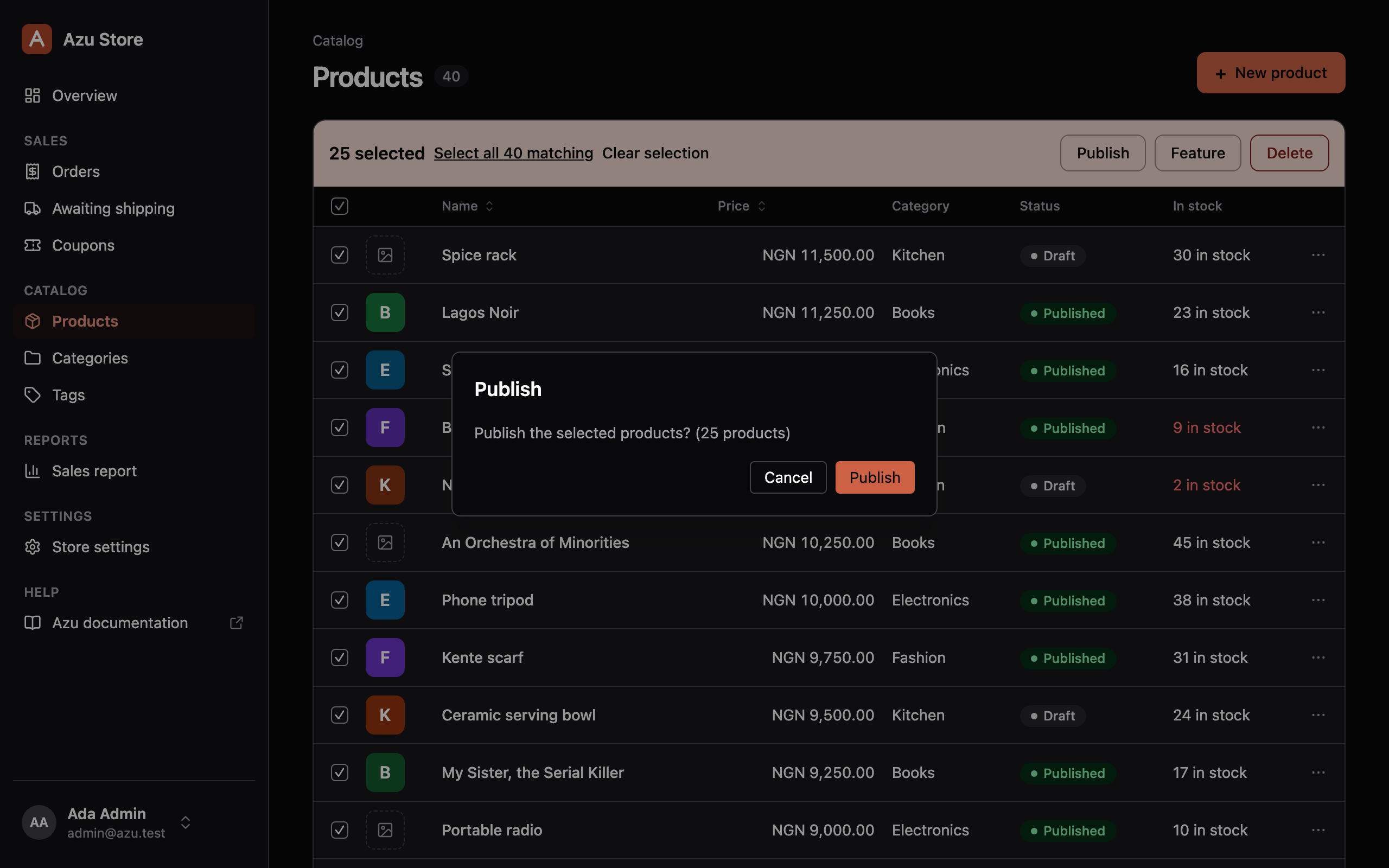
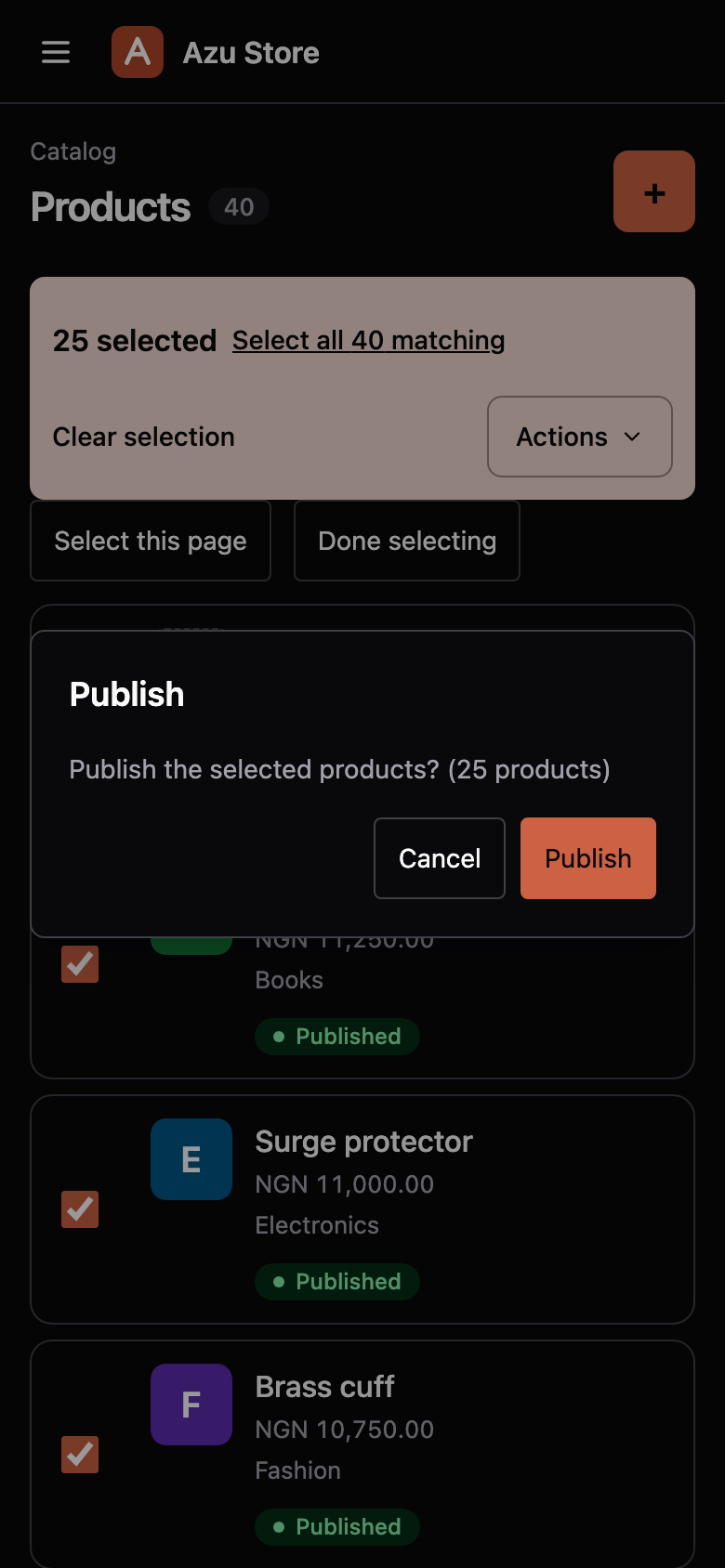
Publish a whole selection.
Add actions for one record or many. Azu asks for confirmation and checks the policy for each record.
View resource codeHide resource code
product_resource.ts /actions
action  .bulk('publish')  .confirm('Publish the selected products?')  .ability('publish')  .handle(async (products, { trx }) => {    await Product.query({ client: trx })      .whereIn(        'id',        products.map((p) => p.id)      )      .update({ status: 'published' })
    return { message: `${products.length} products published` }  }),
This is the product resource’s Publish action. Its handler receives the selected records and a transaction.
Built on your AdonisJS app
Your app sets the rules.
Azu puts them to work.
Keep permissions and validation in the code your app already runs.
Lucid models
Your records and relationships.
Bouncer policies
Your permissions, checked on the server.
VineJS validators
Your validation, shown on each field.
Beyond CRUD
Give your back office
a home.
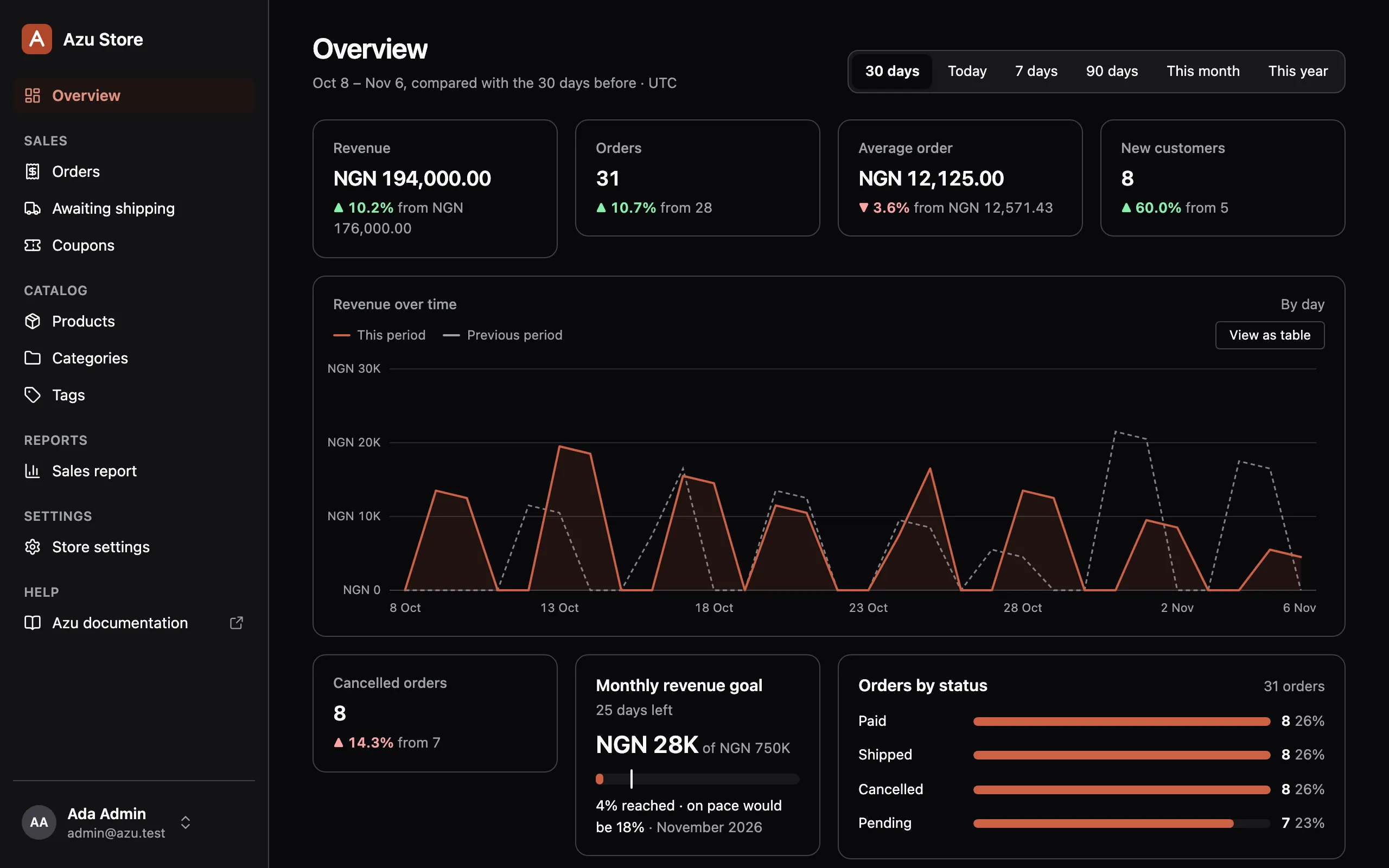
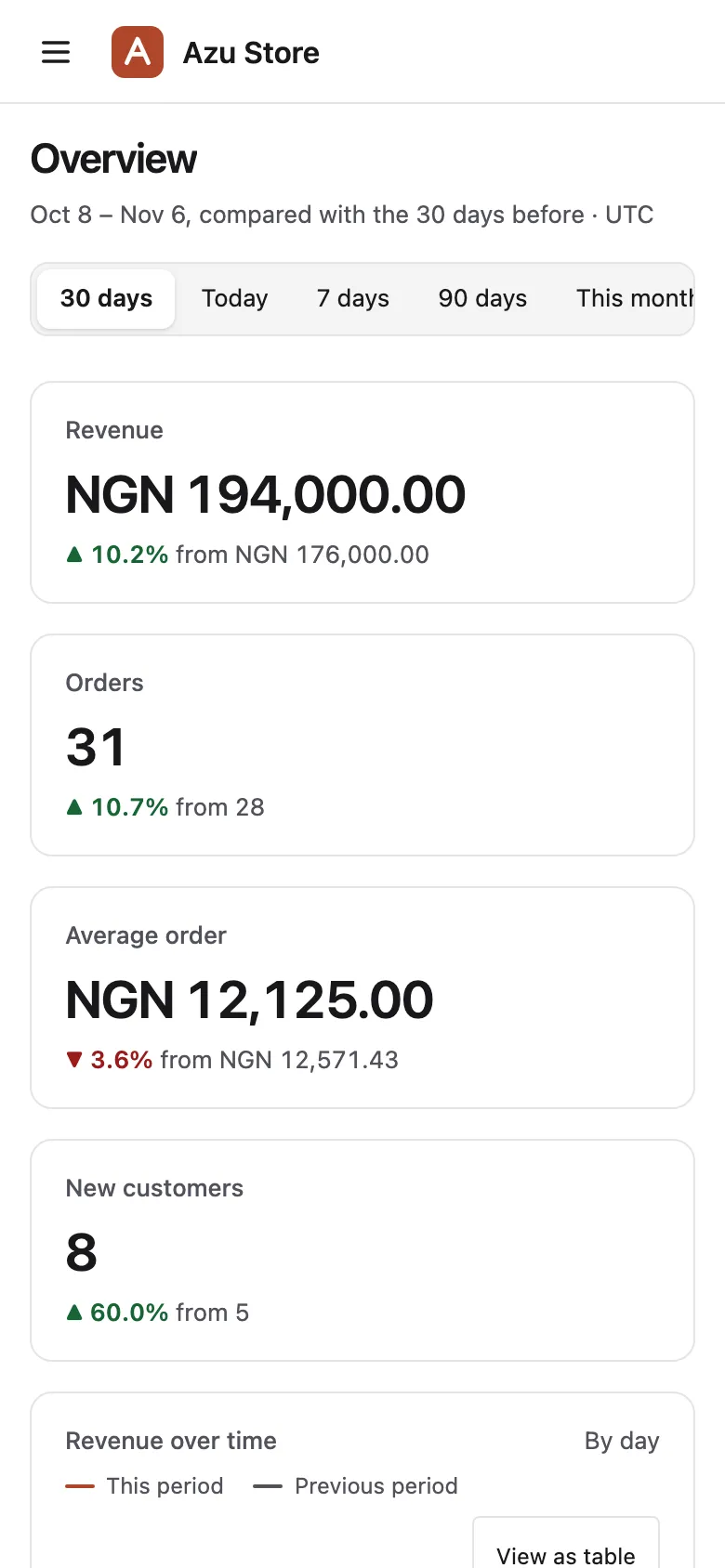
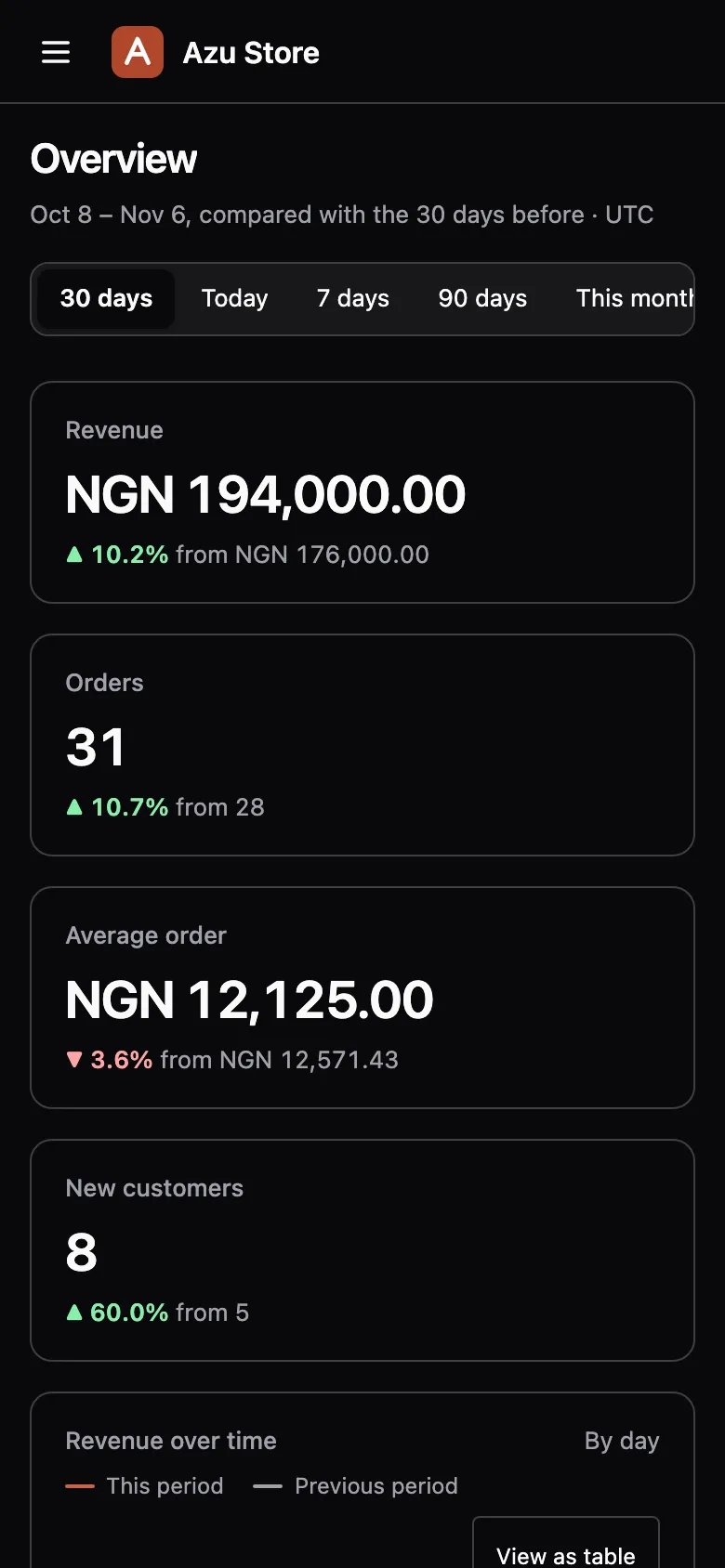
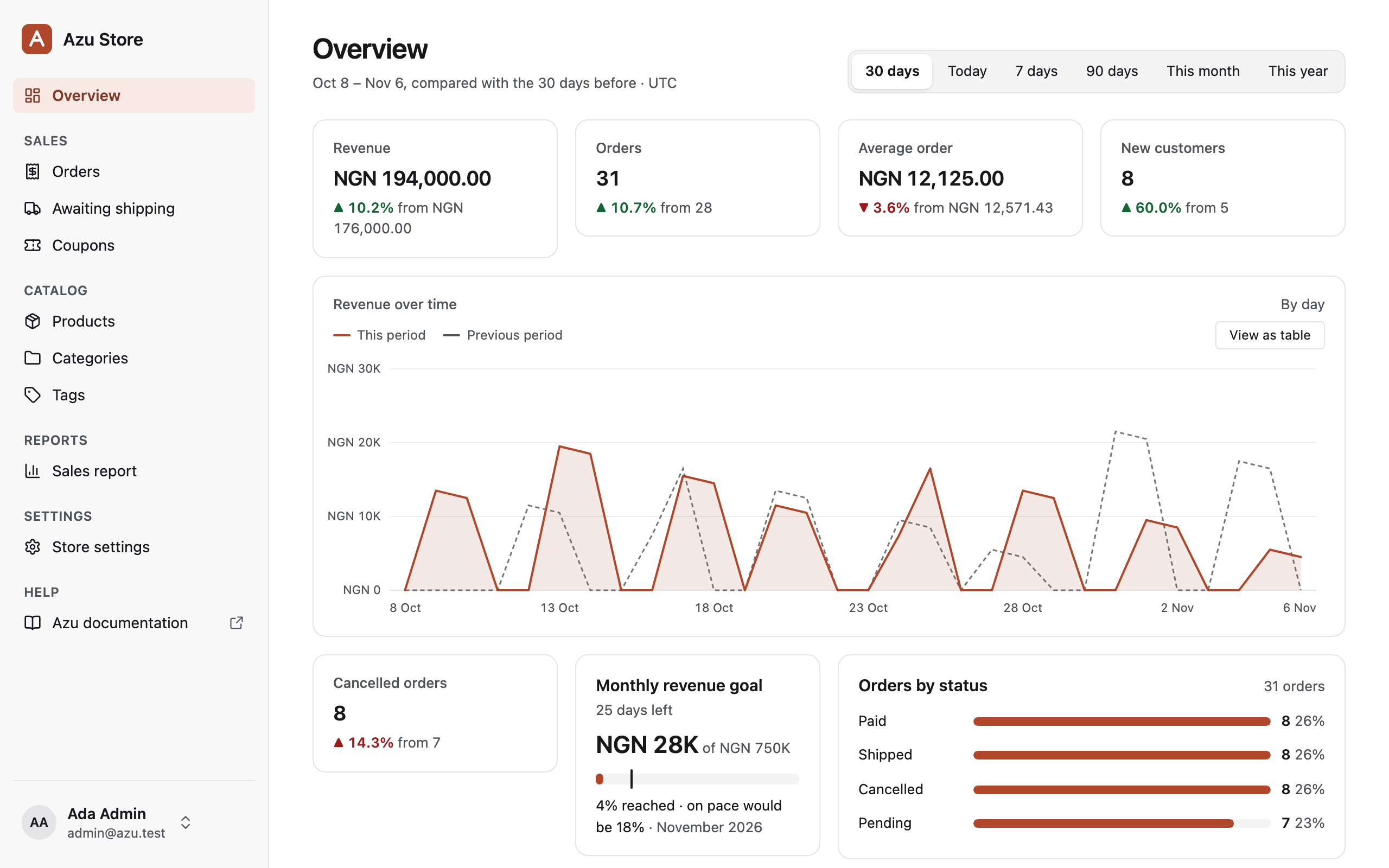
Add dashboards, reports, and settings pages alongside your resources.
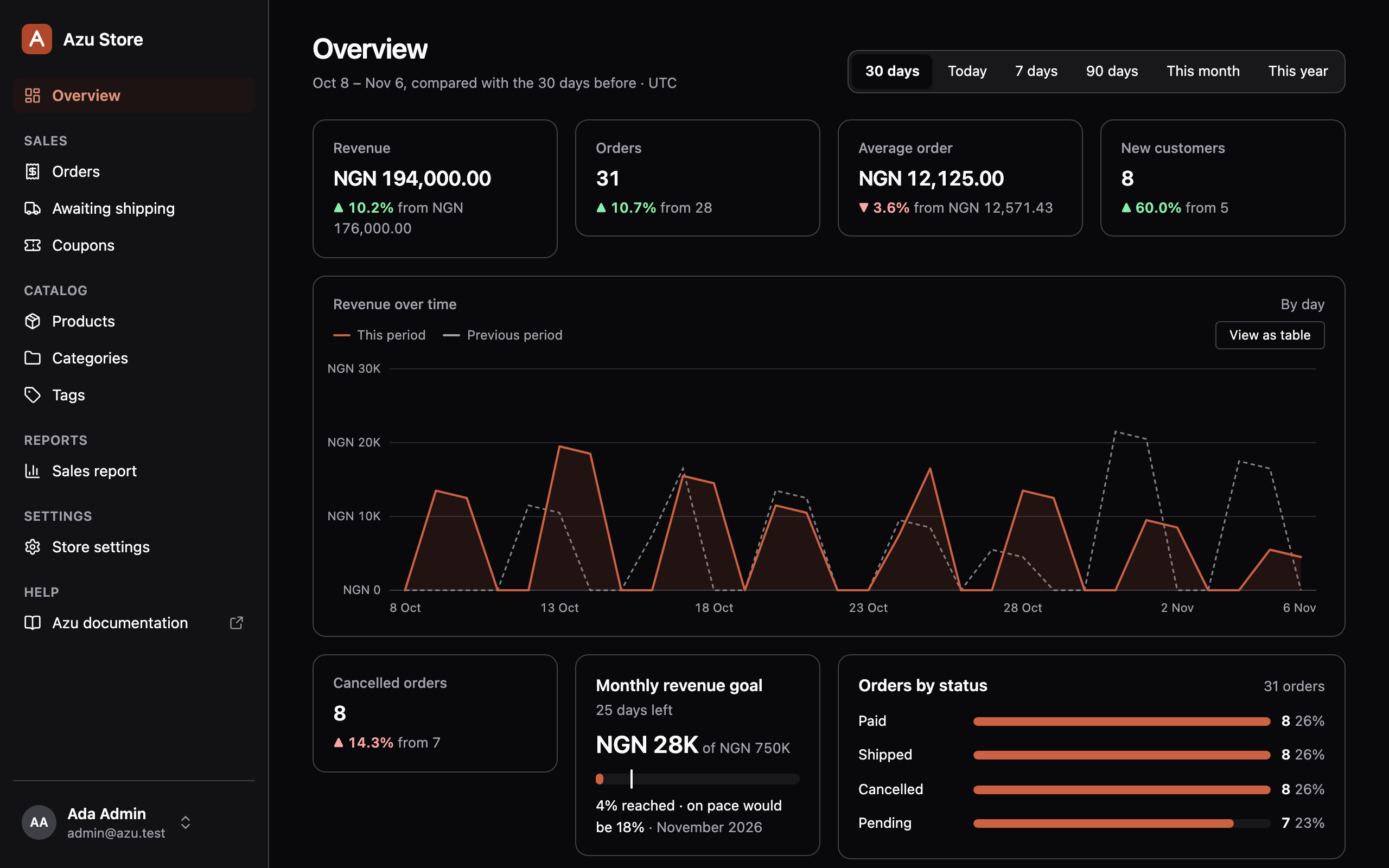
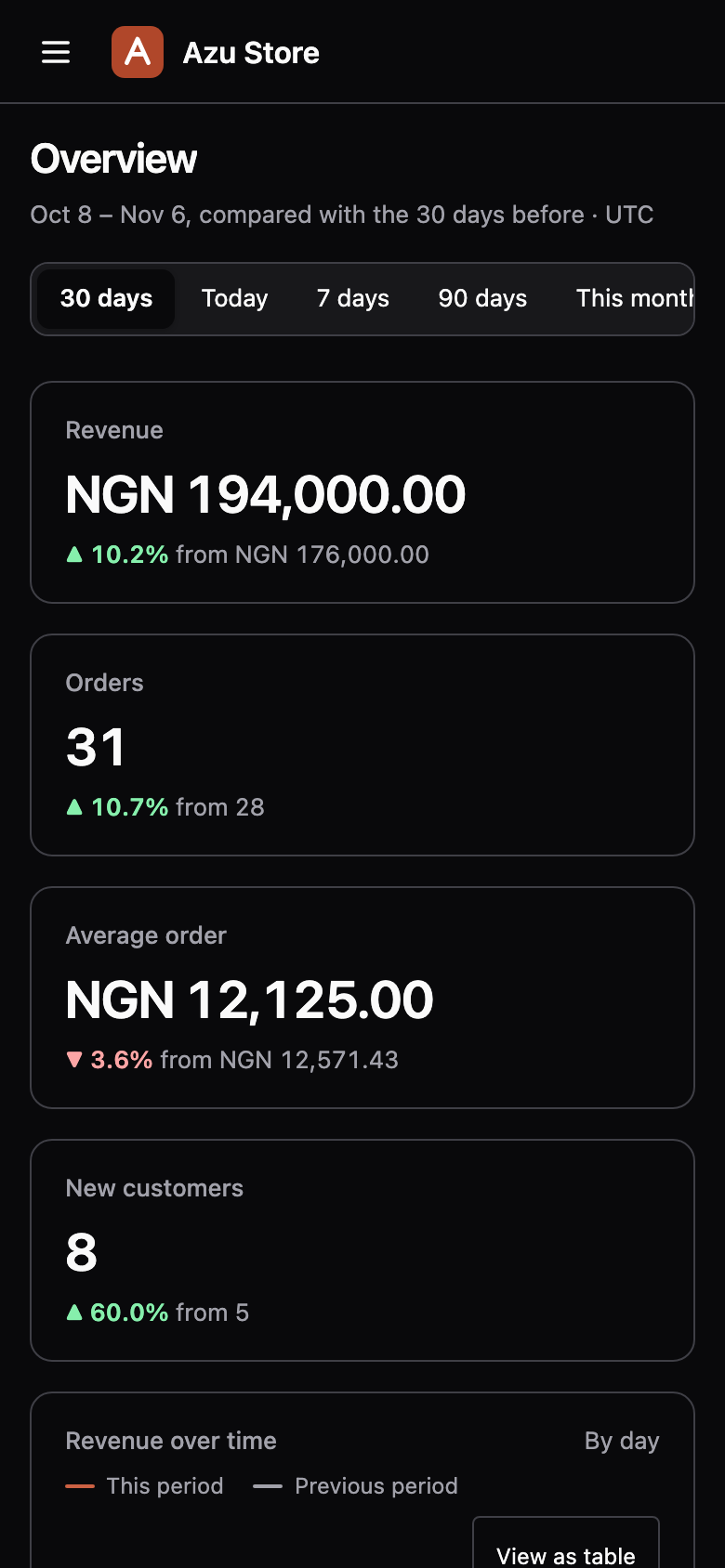
The demo store’s overview brings revenue trends, order totals, and low stock into one screen. Each widget checks access.
Build with screens and widgets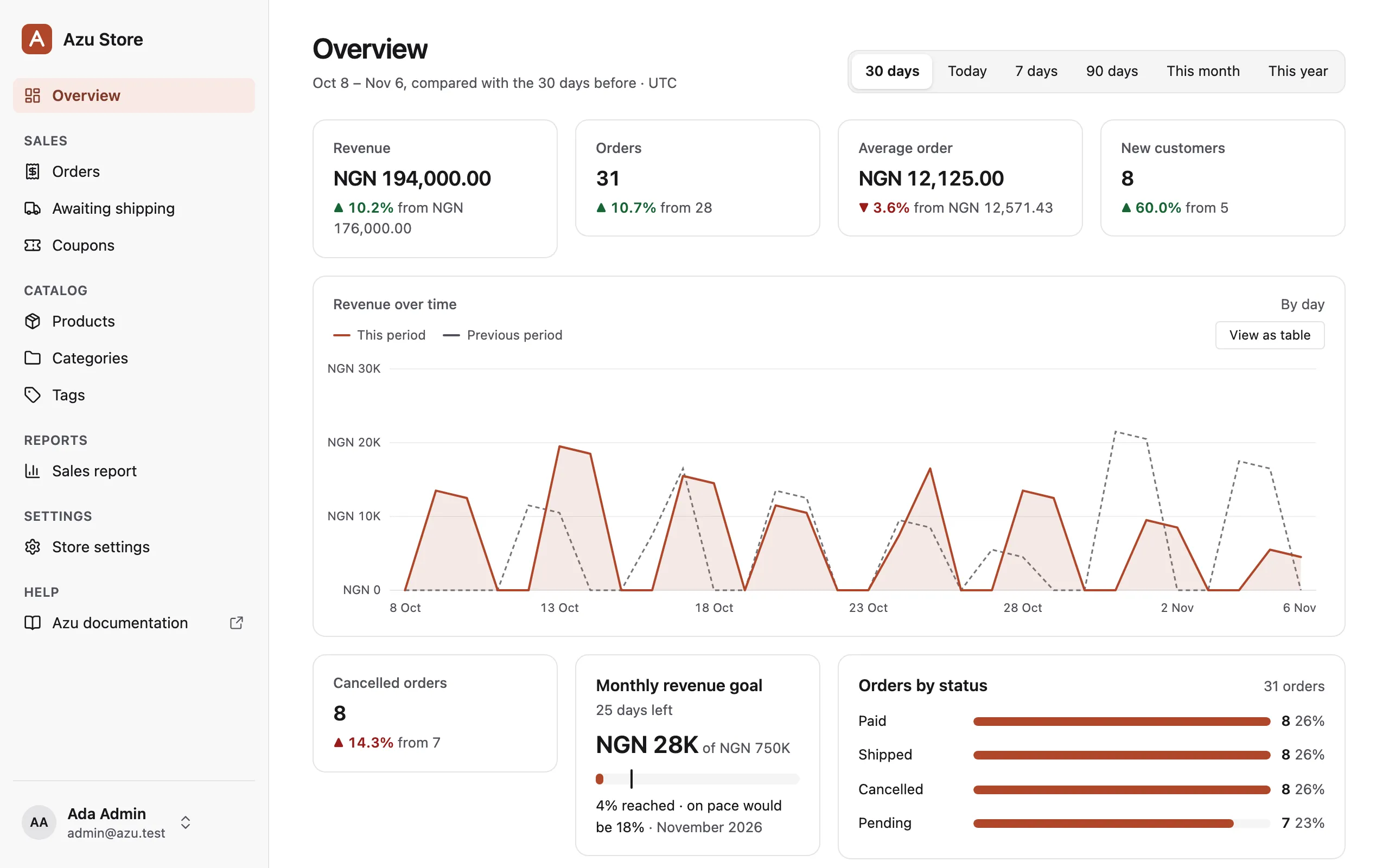
Make it yours
Your fields.
Your React code.
Set your brand colour. Bring your own React components when a field needs something specific.
The demo’s SKU input uppercases product codes. It plugs into the same product resource you saw above.
Customise a field or own a pageLight and dark themes are built in. Publish a page to edit its React source in your app.
Automatic SKU formatting
- You type
sku-0007- The field shows
SKU-0007
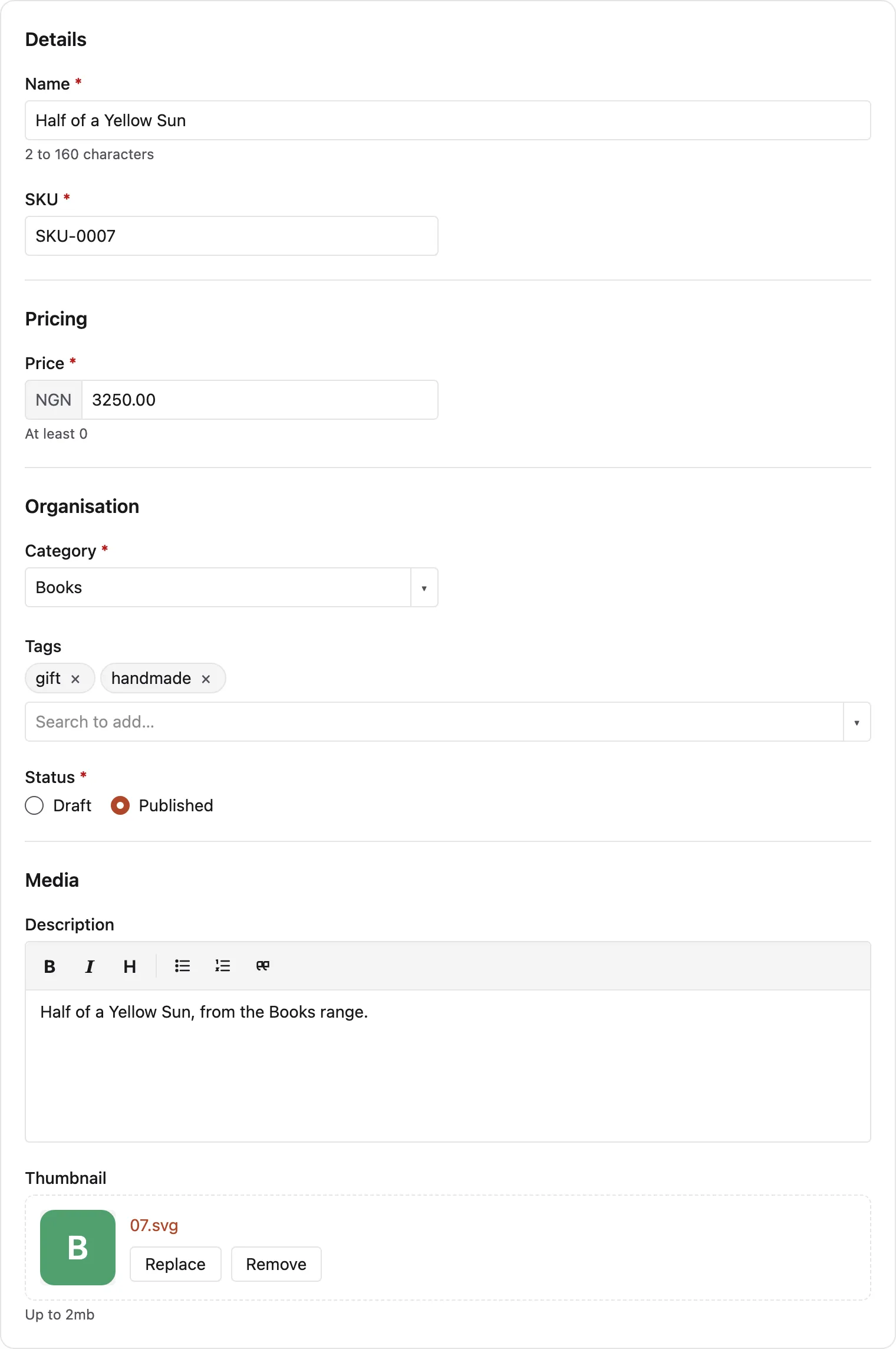
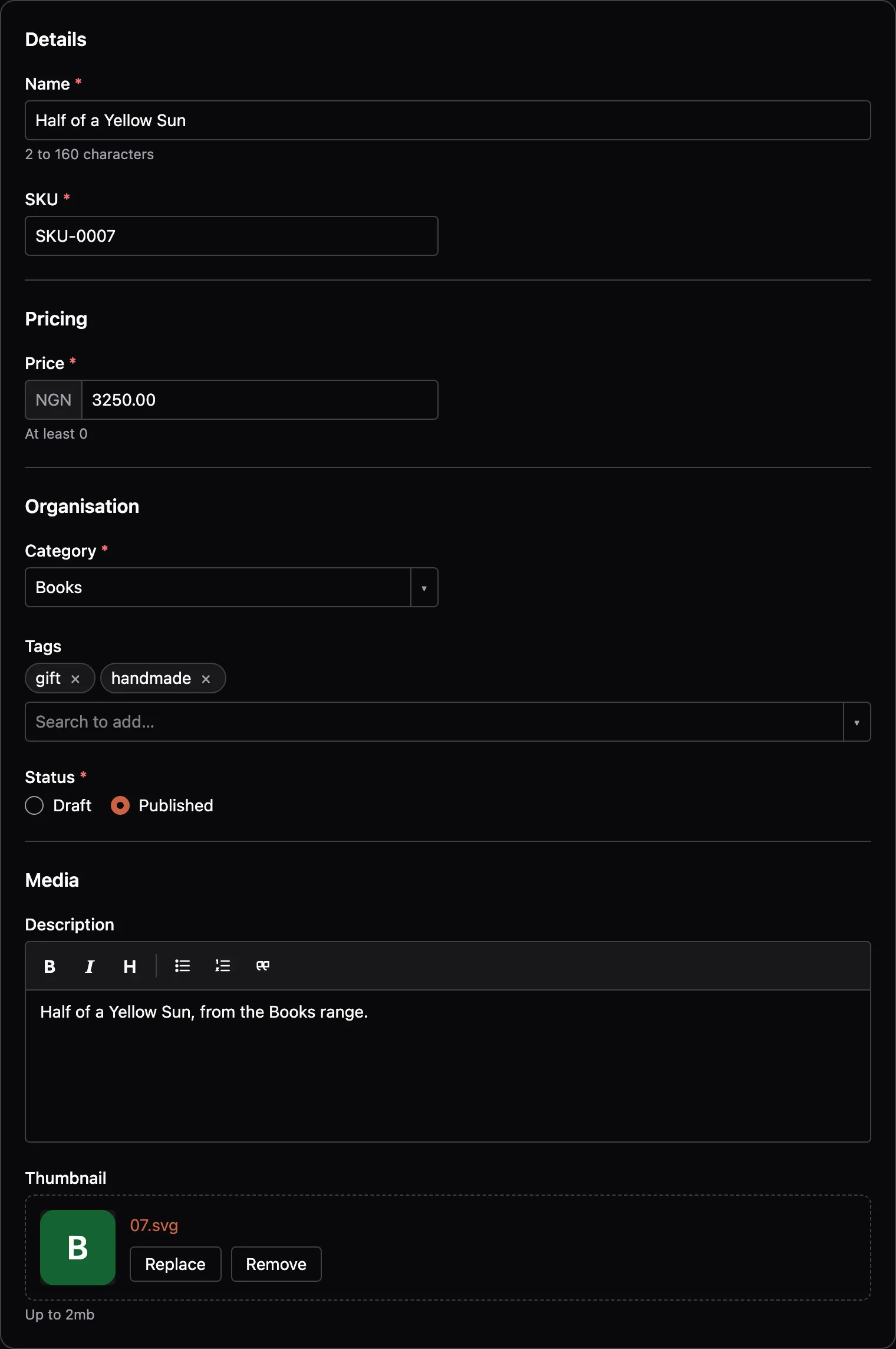
// inertia/admin/components/sku_input.tsxfield.text('sku').component('SkuInput').section('Details'),Start building
Your first resource
starts here.
- 1
Install and configure
Add Bouncer, install Azu, and run configure.
- 2
Allow your account
Update
accessAdmininapp/abilities/main.ts. - 3
Generate a resource
Point it at a model, sign in, and open
/admin.
node ace add @adonisjs/bouncernpm i @mezielabs/azu@preview @mezielabs/azu-react@previewnode ace configure @mezielabs/azu
# Allow your account in app/abilities/main.ts, then:node ace migration:runnode ace azu:resource User --policynpm run dev
What you need
- AdonisJS 7 with Lucid, Auth, and Bouncer
- Inertia with React
- Node.js 24.21 or later
- PostgreSQL, MySQL, or SQLite
Free, open source, and in preview
Build the back
of your app.
Azu is MIT licensed. The API may change during preview.
Read the preview limits